Actions
Task #389
openSphinx documentation setup
Description
To set up Sphinx documentation
Sphinx documentation learning resources:
https://sphinx-rtd-theme.readthedocs.io/en/stable/configuring.html
Files
| git_clone.png (141 KB) git_clone.png | |||
| python_3_install2.png (133 KB) python_3_install2.png | |||
| sphnix_install4.png (158 KB) sphnix_install4.png | |||
| run_sphnix5.png (63.2 KB) run_sphnix5.png | |||
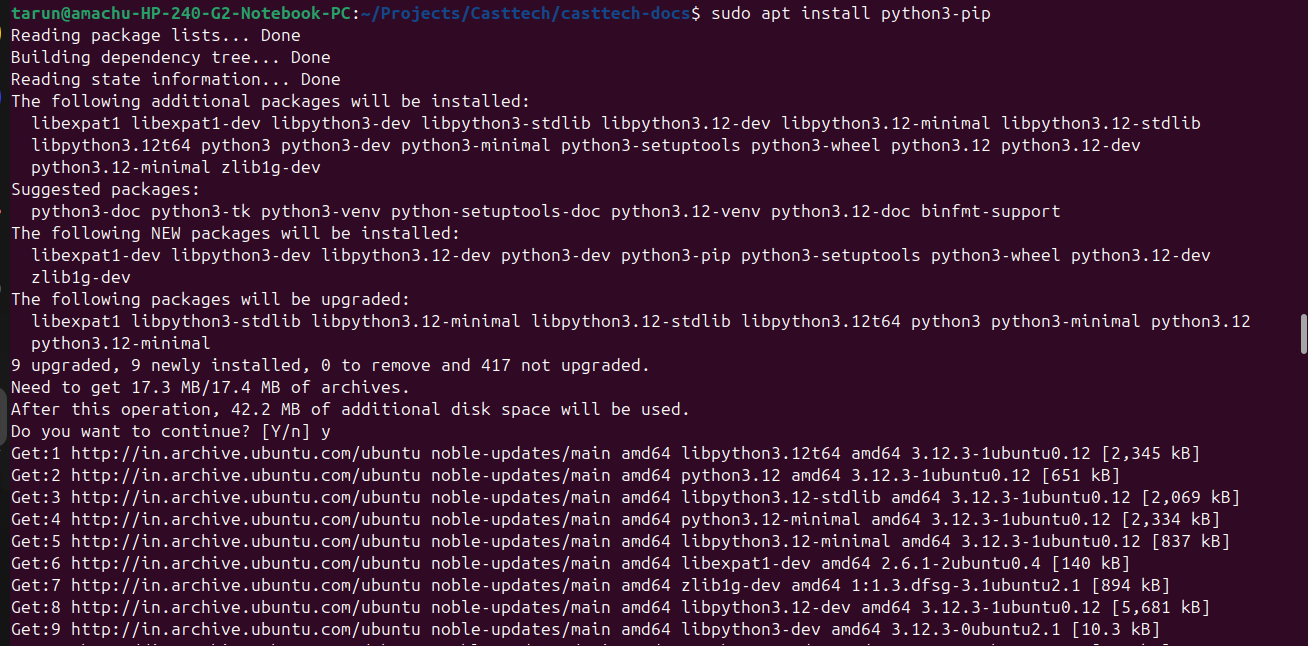
| install_pip.png (174 KB) install_pip.png | |||
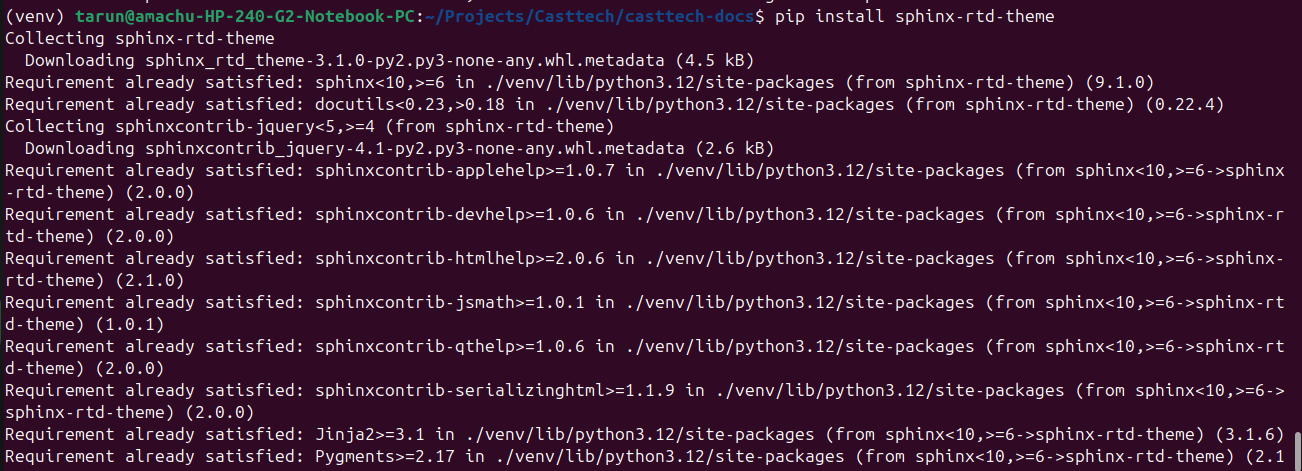
| install_theme7.png (152 KB) install_theme7.png |
Actions
#2
Updated by Venkatesan Mani 4 months ago
- File git_clone.png git_clone.png added
- File python_3_install2.png python_3_install2.png added
- File sphnix_install4.png sphnix_install4.png added
- File run_sphnix5.png run_sphnix5.png added
- File install_pip.png install_pip.png added
- File install_theme7.png install_theme7.png added
- Status changed from New to In Progress
- Estimated time set to 1:00 h
Updated by Venkatesan Mani 4 months ago
- Status changed from In Progress to Resolved
Sphinx documentation setup
** Step-1: Open the terminal.Then make the folder.Using these commands.**
- mkdir Projects
- mkdir casttech
- change the path to castech
- clone(git clone venkatesan@casttech.amachu.tech/home/pms/repos)
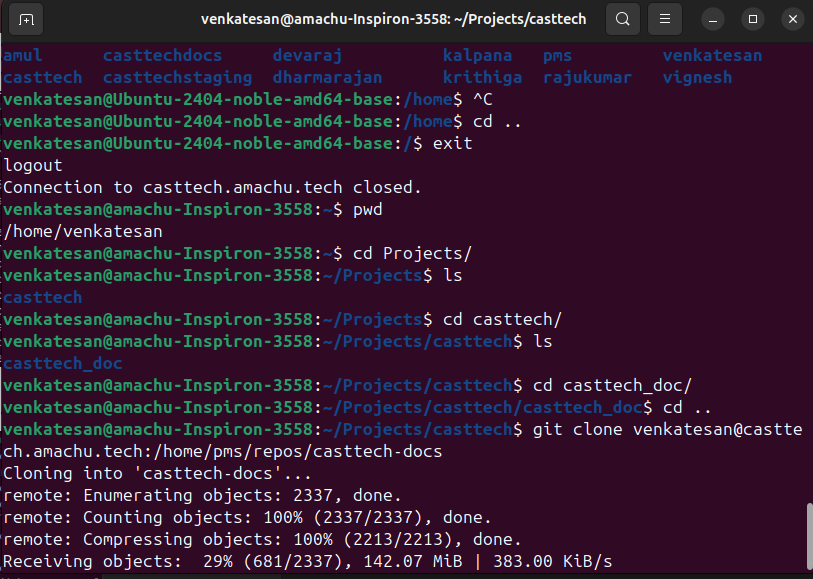
** Step-2: install python 3 ( sudo apt-get install python3-sphinx) **
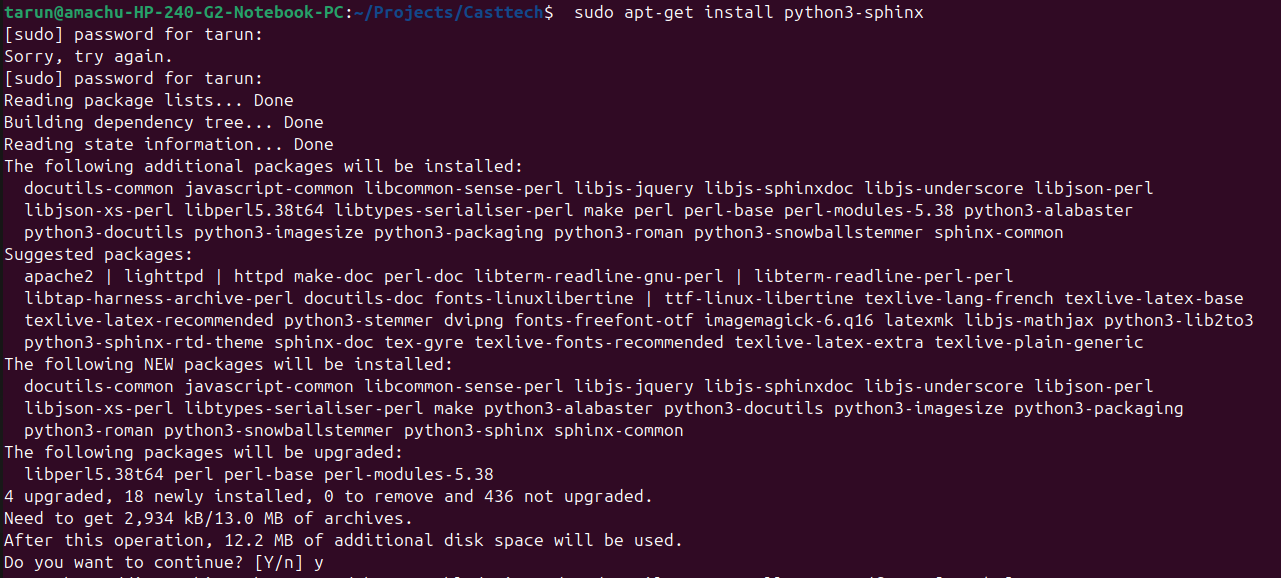
** Step-3: Install pwd sphinx **
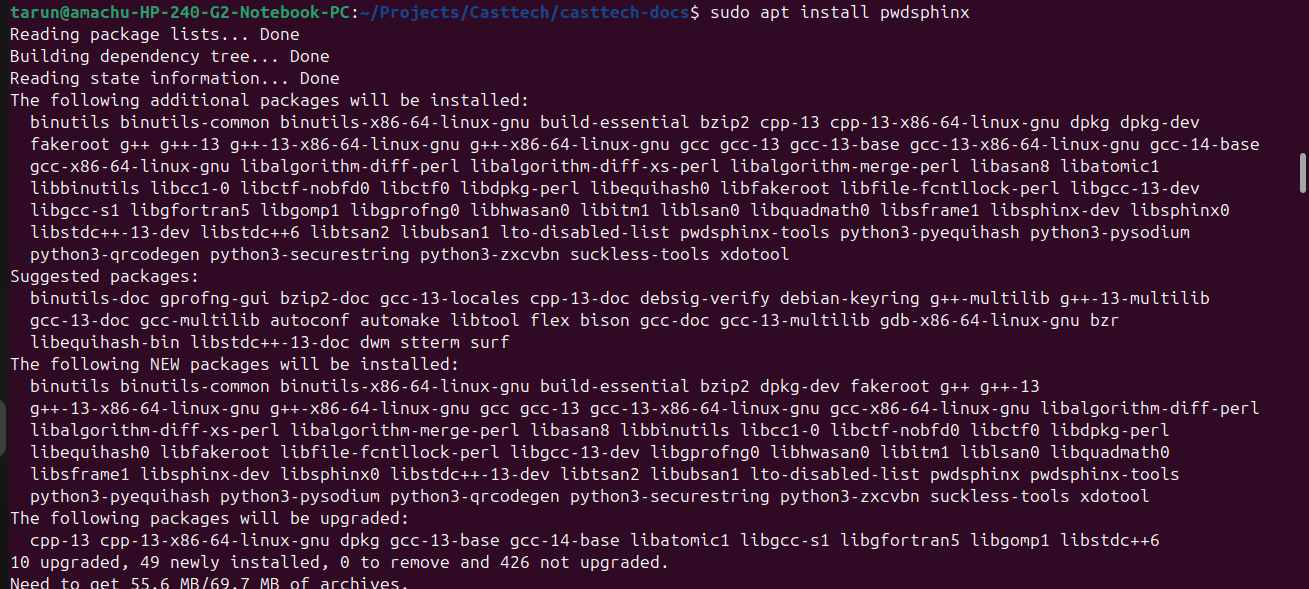
** Step-4: Run sphinx. **
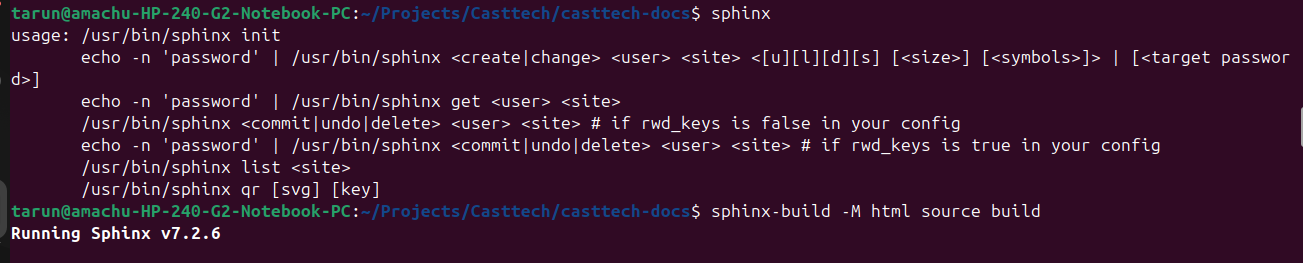
**Step-5:Install python(pip3) **
** Step-6: Install sphinx theme **
Actions