Actions
Task #305
openSphinx documentation setup
Start date:
03/14/2026
Due date:
% Done:
0%
Estimated time:
Description
Sphinx documentation setup and learning.
Files
| git_clone1.png (113 KB) git_clone1.png | |||
| python_3_install2.png (133 KB) python_3_install2.png | |||
| build_source3.png (65.2 KB) build_source3.png | |||
| sphnix_install4.png (158 KB) sphnix_install4.png | |||
| run_sphnix5.png (63.2 KB) run_sphnix5.png | |||
| create_virtual6_.png (151 KB) create_virtual6_.png | |||
| install_theme7.png (152 KB) install_theme7.png | |||
| html_build8.png (115 KB) html_build8.png | |||
| html_run9.png (73.6 KB) html_run9.png | |||
| browser_open10.png (80.1 KB) browser_open10.png | |||
| 12install_pip3.png (174 KB) 12install_pip3.png | |||
| 6create_virtual6_.png (151 KB) 6create_virtual6_.png |
Actions
#1
Updated by Tarunkumar Sathyanarayan 7 months ago · Edited
- File git_clone1.png git_clone1.png added
- File python_3_install2.png python_3_install2.png added
- File build_source3.png build_source3.png added
- File sphnix_install4.png sphnix_install4.png added
- File run_sphnix5.png run_sphnix5.png added
- File create_virtual6_.png create_virtual6_.png added
- File install_theme7.png install_theme7.png added
- File html_build8.png html_build8.png added
- File html_run9.png html_run9.png added
- File browser_open10.png browser_open10.png added
- Status changed from New to In Progress
Casttech Sphinx documentation setup and learning
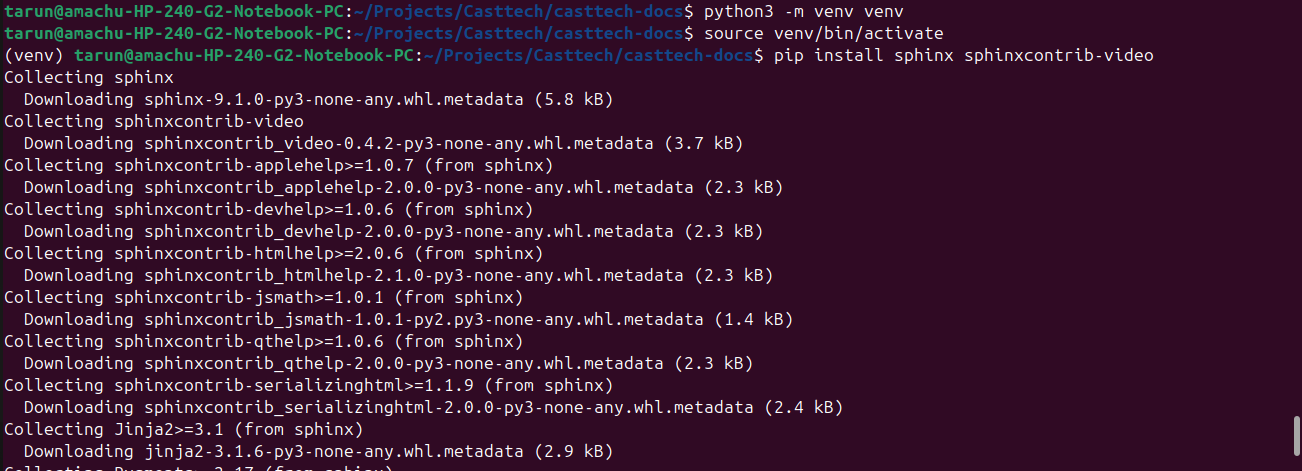
step 1 :
- create (Projects) folder
- create (Casttech) folder
- open terminal
- Change directory to projects and again change directory to casttech folder
- Clone (git clone tarun@casttech.amachu.tech:/home/pms/repos/casttech-docs)
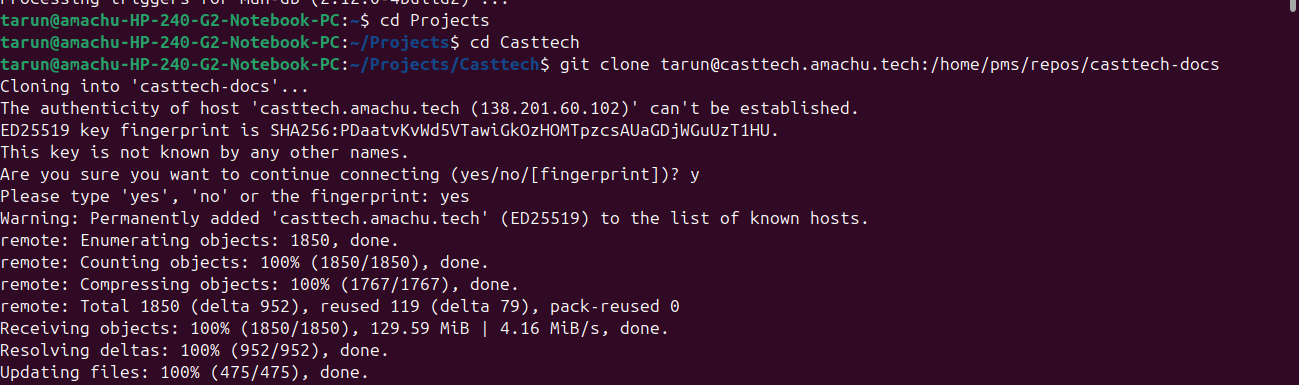
step 2 :
- install python 3 ( sudo apt-get install python3-sphinx)
step 3 :
- Enter list command (ls)
- Change directory to ( casttech-docs )
- Create a build directory using ( mkdir build )
- Change directory to (source)

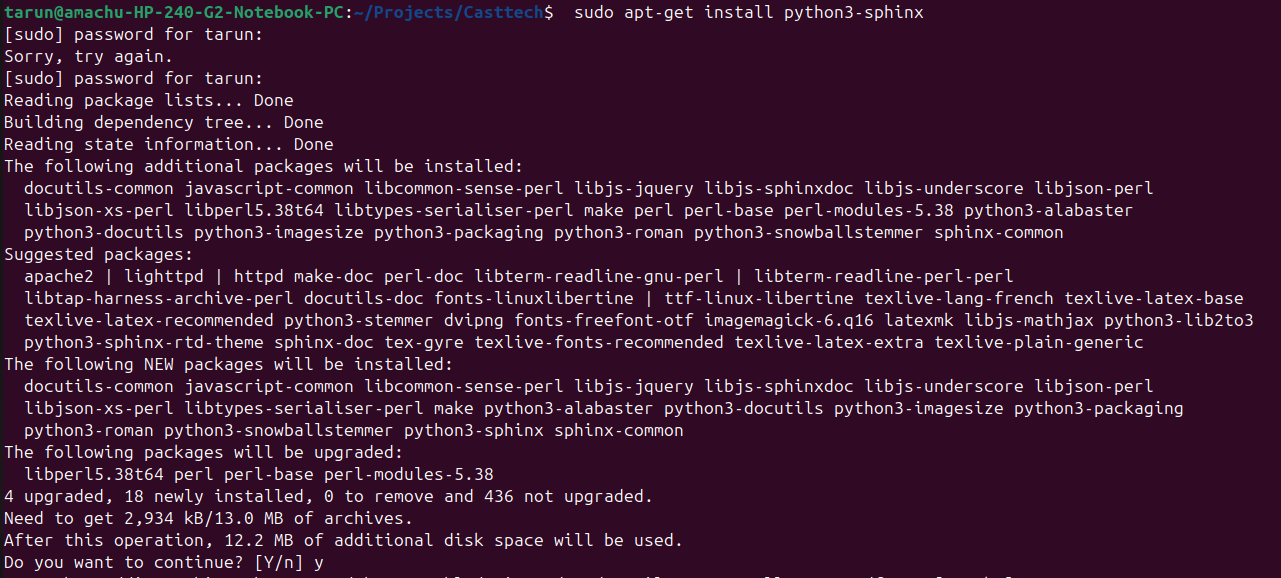
Step 4 :
- Install pwd sphinx
step 5 :
- Run (sphnix)
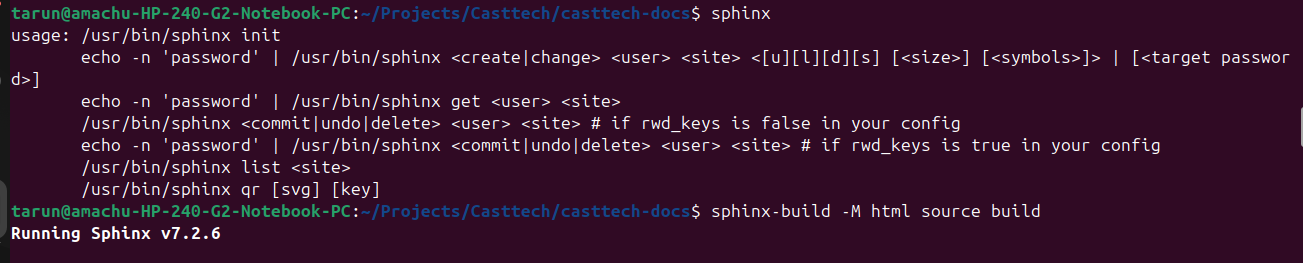
step 6 :
- Install python(pip3)
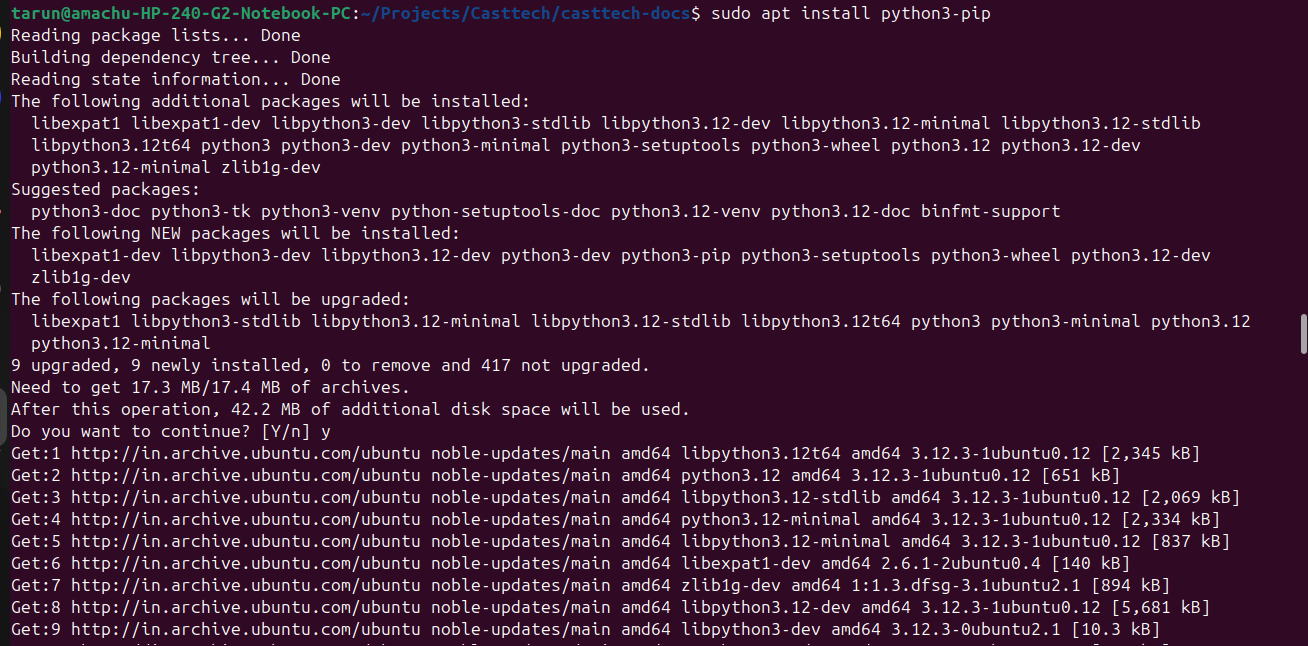
Updated by Tarunkumar Sathyanarayan 7 months ago · Edited
- File 6create_virtual6_.png 6create_virtual6_.png added
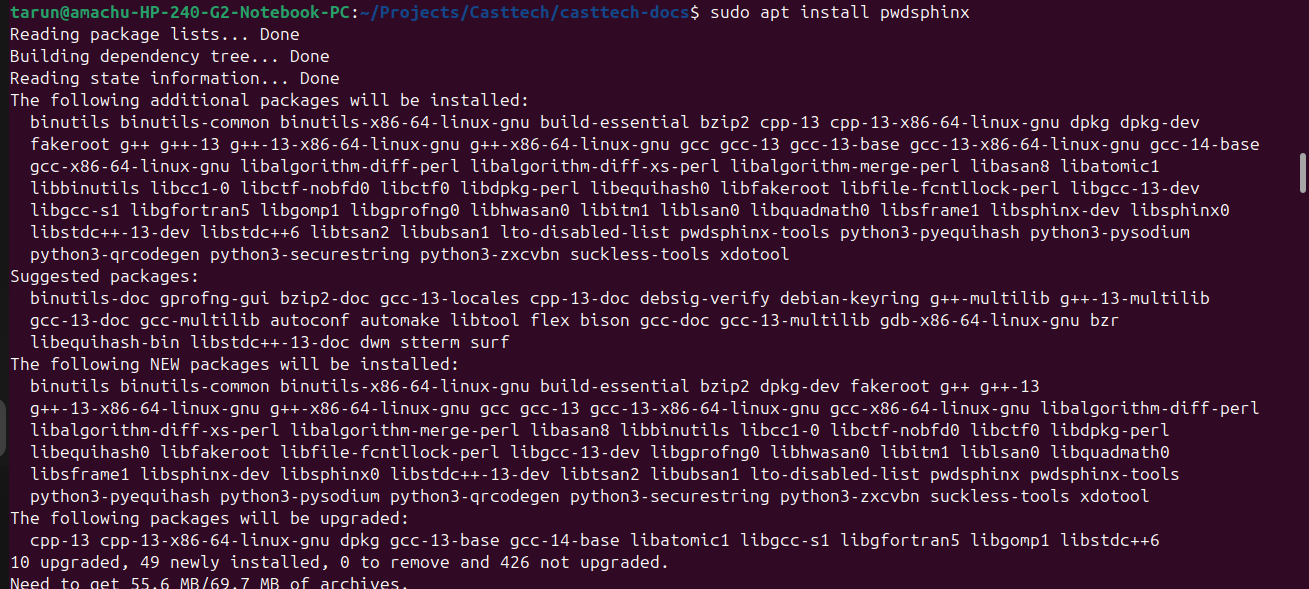
step 7 :
- Install and activate vitual machine
- And run (pip install sphinxcontrib-video) in it
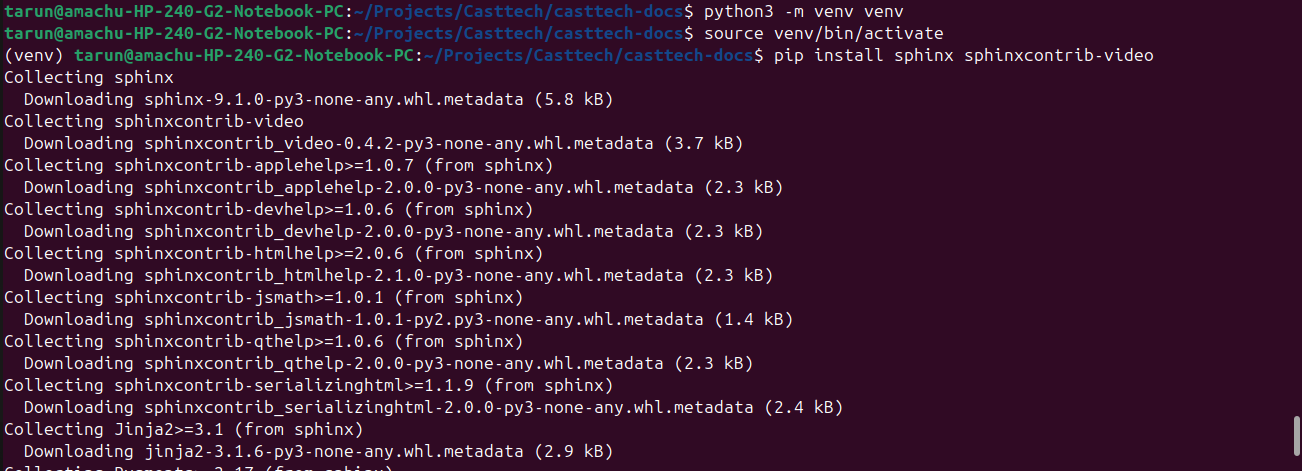
step 8 :
- Install sphinx theme
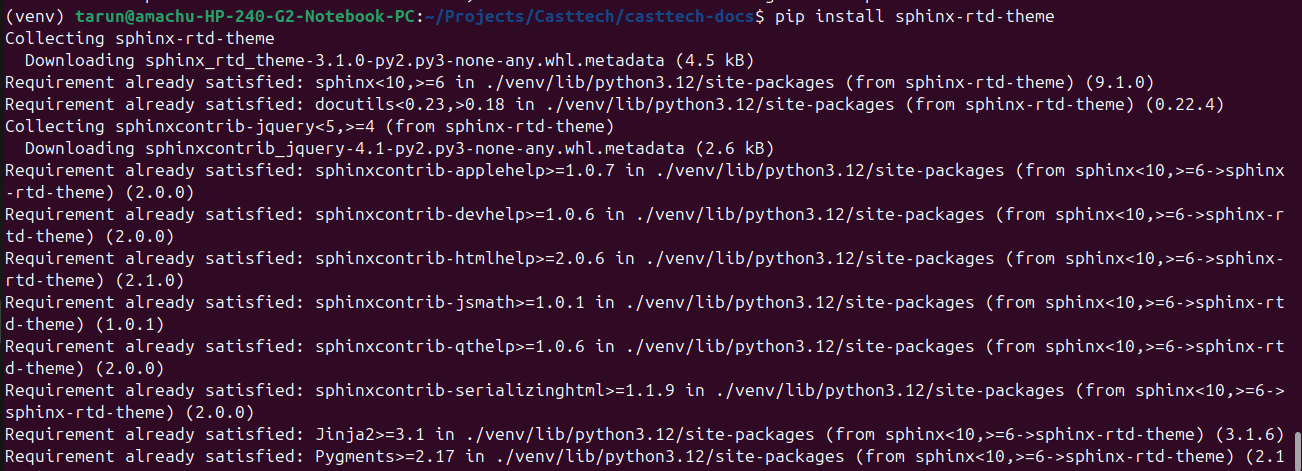
step 9 :
- (sphinx-build -M html source build)
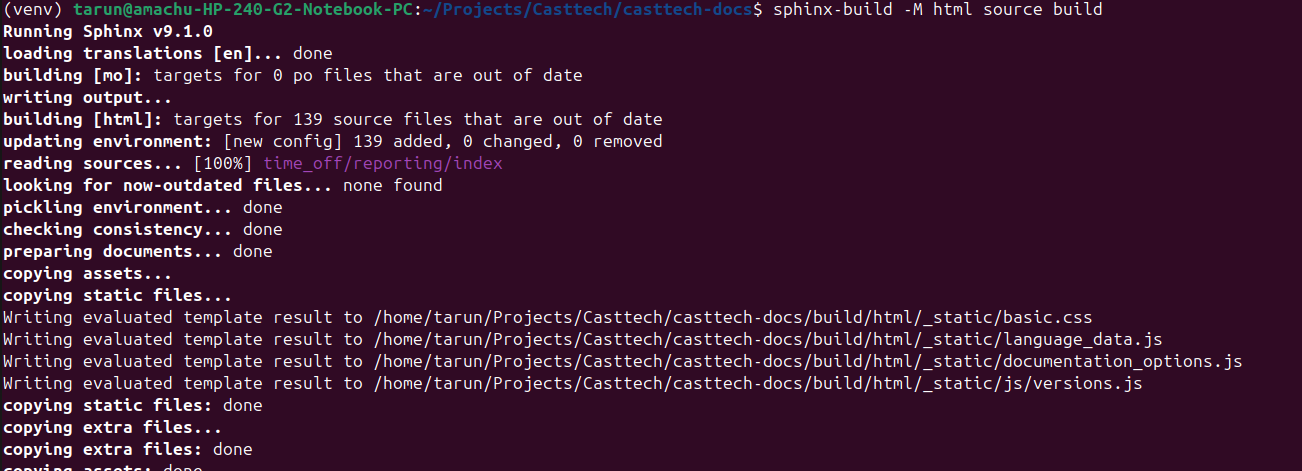
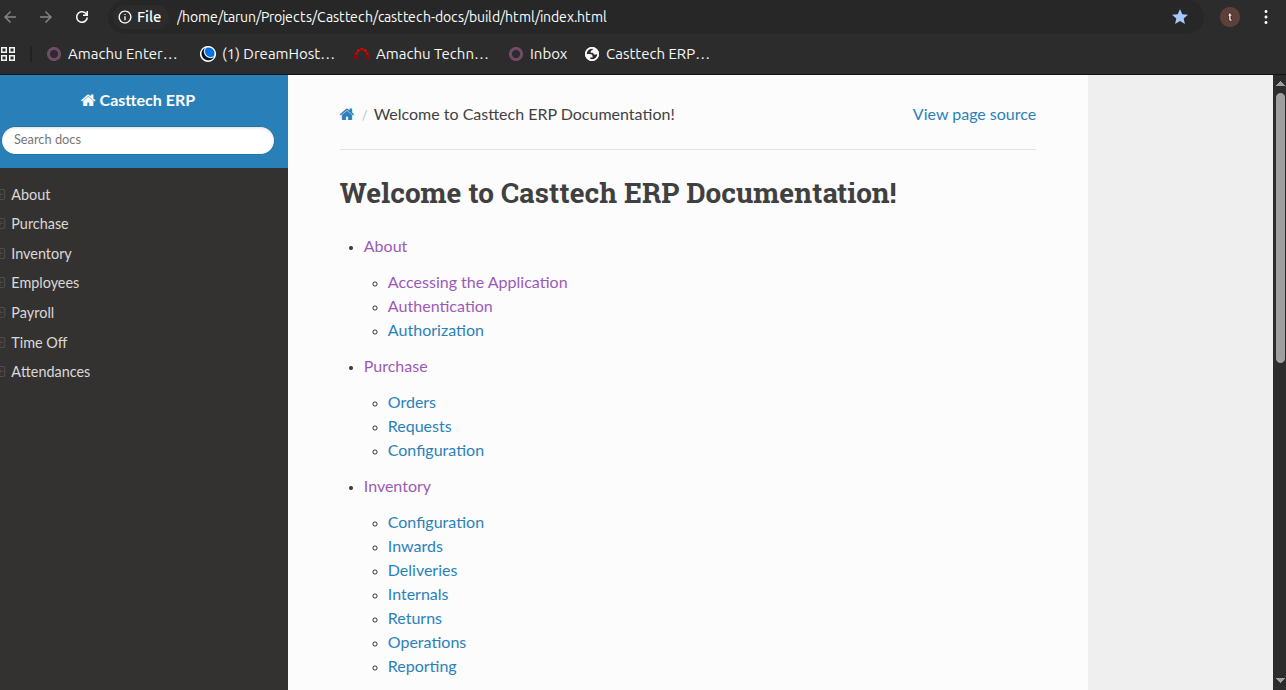
step 10 :
- Change directory to (build)
- list (ls)
- change directory to (html)
- list (ls)
- Enter (google-chrome index.html)

step 11 :
- The required documentation will be opened in chrome
- Bookmark the casttech documnetation
Updated by Tarunkumar Sathyanarayan 7 months ago
- Status changed from In Progress to Resolved
The casttech Sphinx documentation setup has been resolved
Updated by Amul Munusamy 7 months ago
- Subject changed from Sphinx documentation setup and learning to Sphinx documentation setup
Actions