Actions
Task #302
openInstallation of Visual Studio
Start date:
03/11/2026
Due date:
% Done:
0%
Estimated time:
Files
| vscode_website.png (185 KB) vscode_website.png | |||
| download_file(vscode).png (228 KB) download_file(vscode).png | |||
| vscode.png (38 KB) vscode.png |
Actions
#1
Updated by Monish Munusamy 7 months ago · Edited
- File vscode_website.png vscode_website.png added
- File download_file(vscode).png download_file(vscode).png added
- File vscode.png vscode.png added
- Status changed from New to In Progress
Installation of Visual Studio
- Step-1: Open https://code.visualstudio.com/ and click download
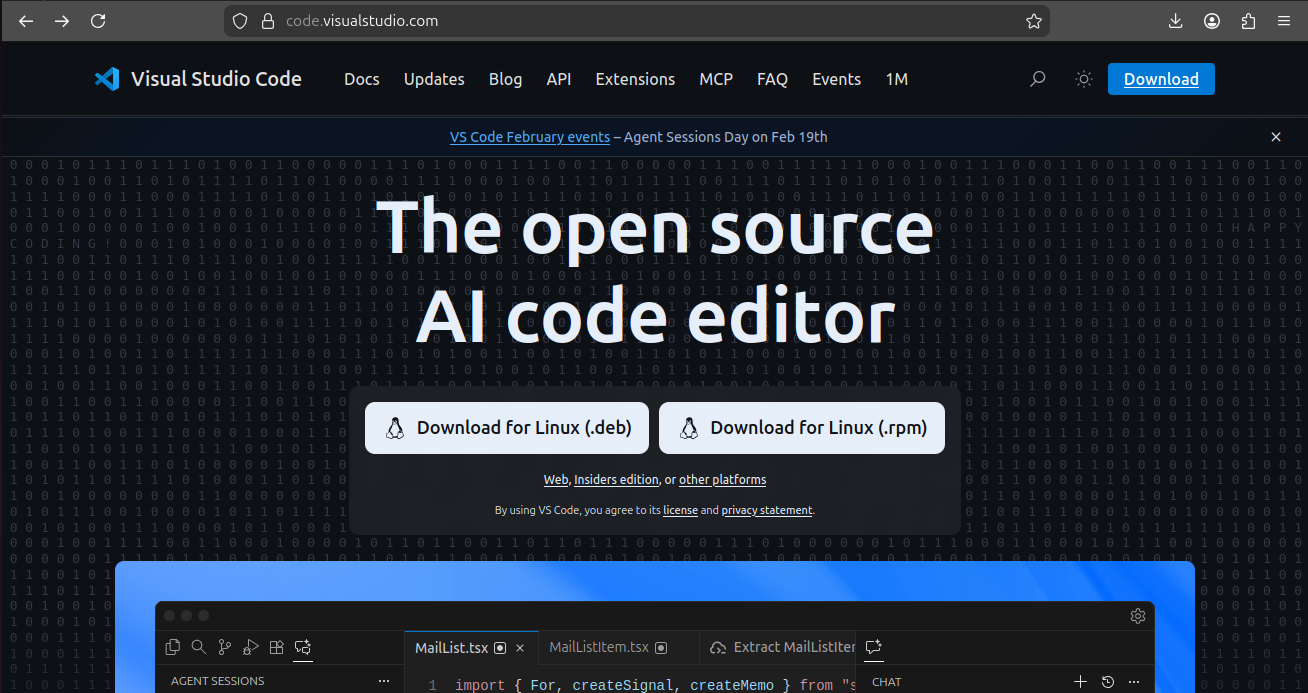
- Step-2: Once click download button, it download automatically or otherwise click "Direct download link"
.png)
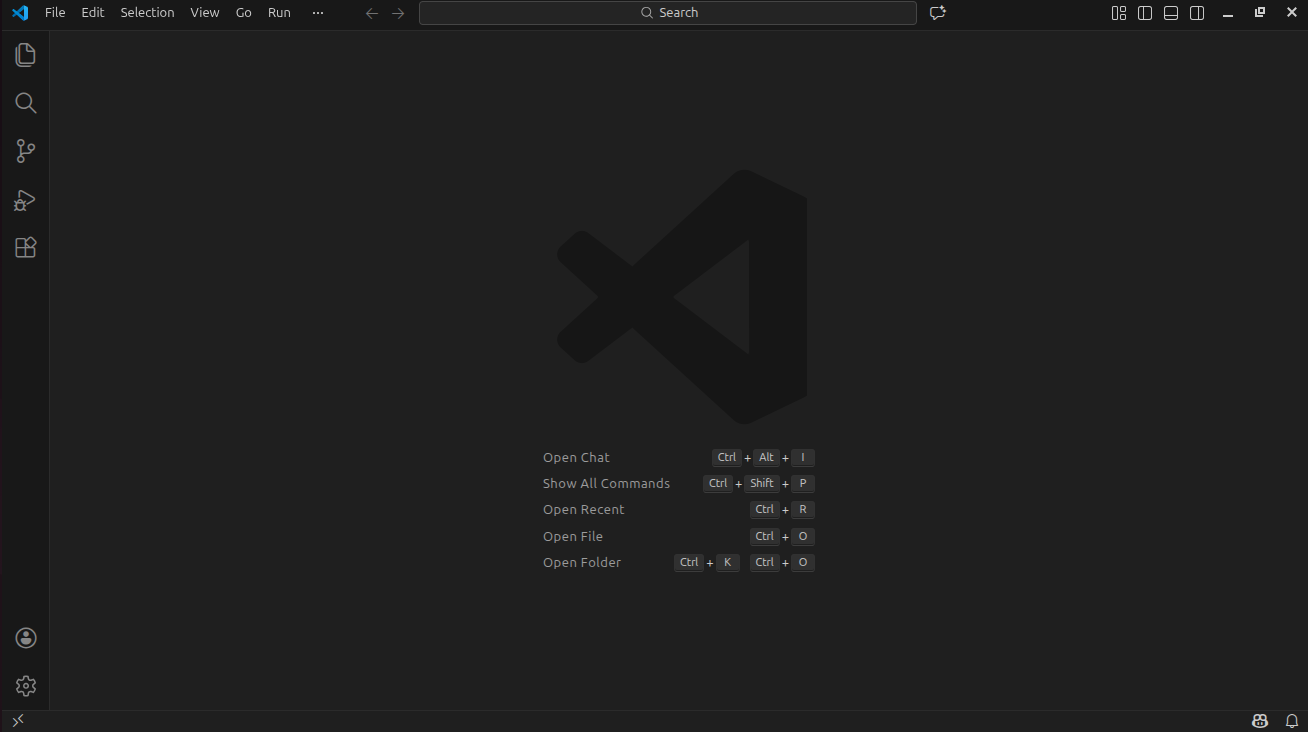
- Step-3: This is how VS Code application looks like after opening it.
Updated by Monish Munusamy 7 months ago
- Status changed from In Progress to Resolved
Actions