Actions
Task #298
openInstall and Configure RustDesk
Start date:
03/09/2026
Due date:
% Done:
0%
Estimated time:
Description
Install the RustDesk application on the required system and configure it for remote access.
Files
Actions
#2
Updated by Monish Munusamy 7 months ago
- File rustdesk_website.png rustdesk_website.png added
- File download_file_of_rustdesk.png download_file_of_rustdesk.png added
- File rustdesk.png rustdesk.png added
Install and Configure RustDesk
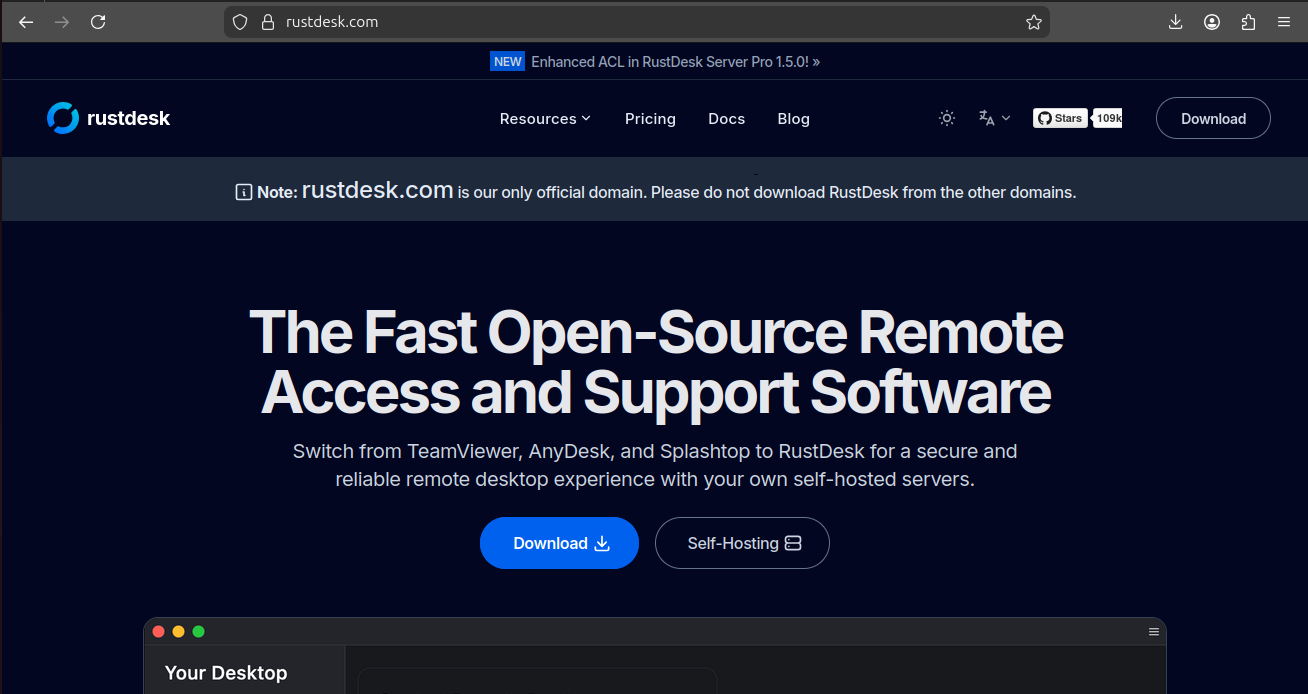
- Step-1: Open https://rustdesk.com/ website and click download button.
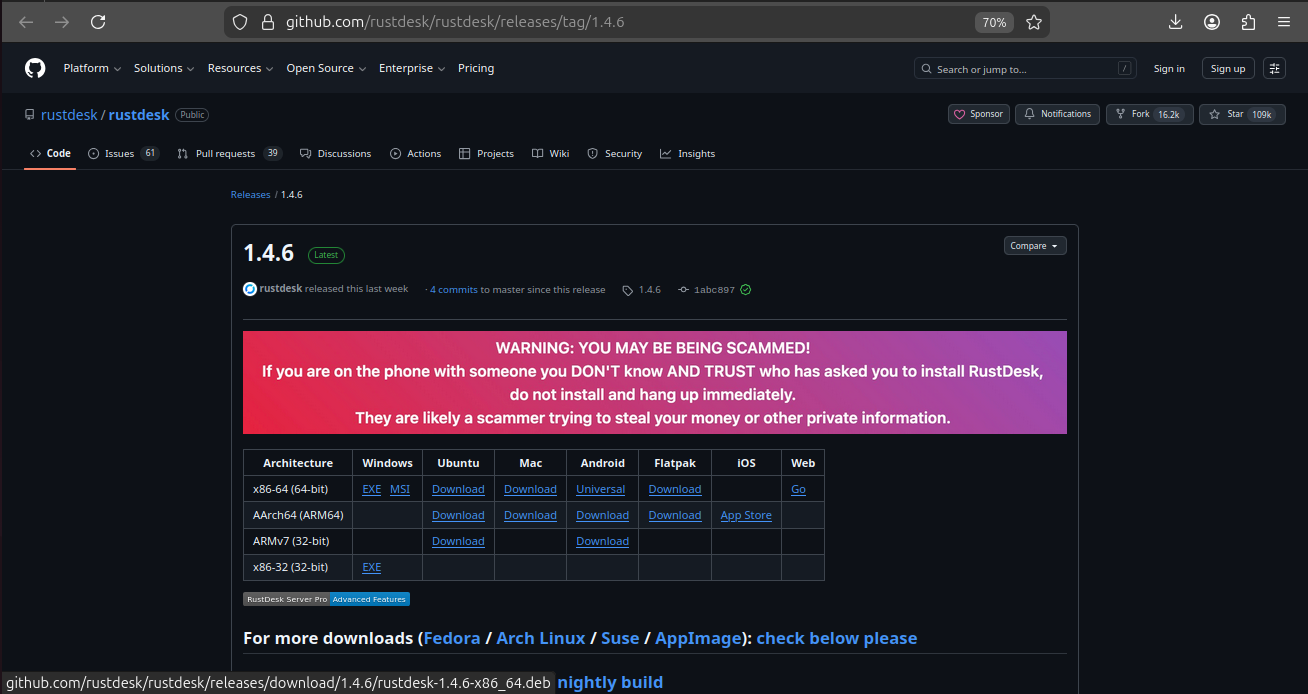
- Step-2: After download button is clicked choose any download file, here I downloading a file named Ubuntu x86-64 (64-bit).
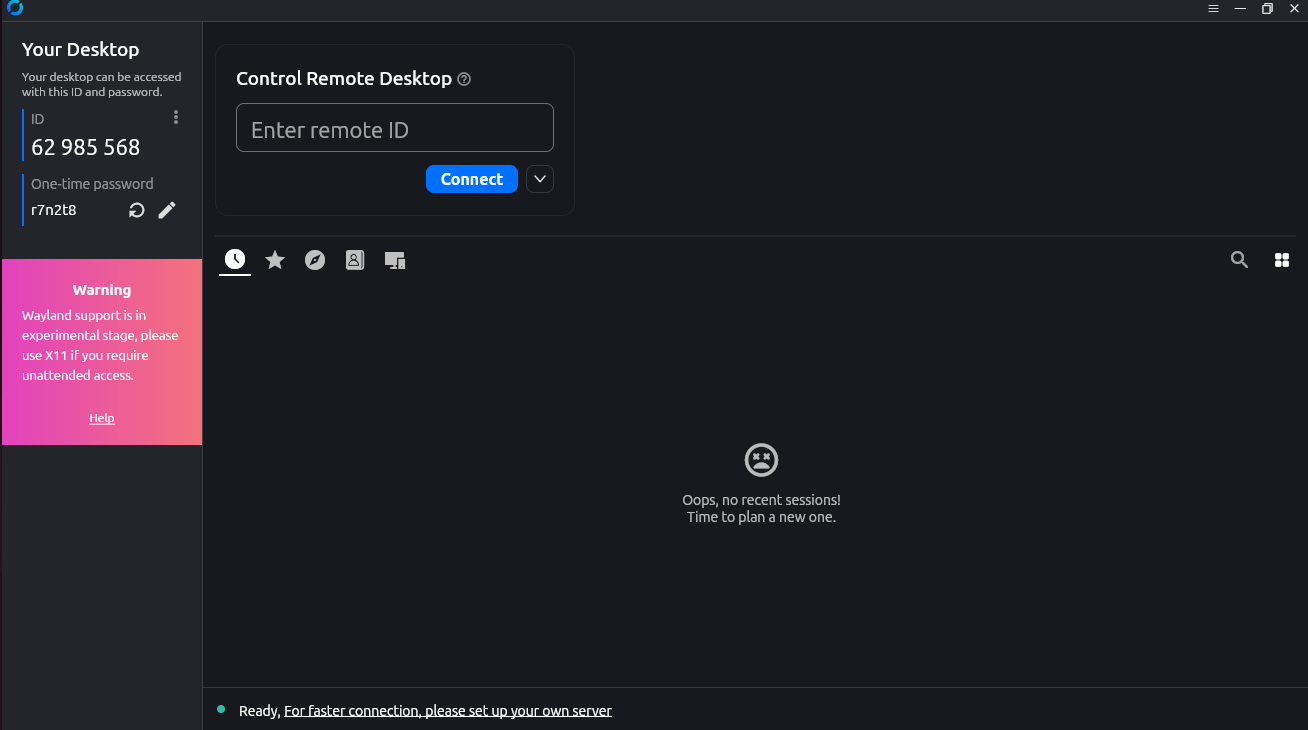
- Step-3: This is RustDesk application installed by that file.
Updated by Monish Munusamy 7 months ago
- Status changed from In Progress to Resolved
Actions