Actions
Task #295
openSetup and Configure Signal App
Start date:
03/09/2026
Due date:
% Done:
0%
Estimated time:
Description
To set up Signal for internal communication and sync between your mobile device and Ubuntu laptop, first install the Signal app on your mobile and then on your laptop.
Install on mobile : https://signal.org/install
Follow the instruction to install on laptop : https://signal.org/download/linux/
Files
| chrome_download.png (131 KB) chrome_download.png | |||
| siganl_webpage.png (183 KB) siganl_webpage.png | |||
| required_commands.png (137 KB) required_commands.png | |||
| open_terminal.png (85.6 KB) open_terminal.png | |||
| command_1.png (82 KB) command_1.png | |||
| command2.png (82.2 KB) command2.png | |||
| signal_app.png (190 KB) signal_app.png |
Actions
#1
Updated by Tarunkumar Sathyanarayan 7 months ago
- File chrome_download.png chrome_download.png added
- File siganl_webpage.png siganl_webpage.png added
- File required_commands.png required_commands.png added
- File open_terminal.png open_terminal.png added
- File command_1.png command_1.png added
- File command2.png command2.png added
- File signal_app.png signal_app.png added
- Status changed from New to In Progress
Setup and Configure Signal App process
. step 1
. Open google chrome and search signal download
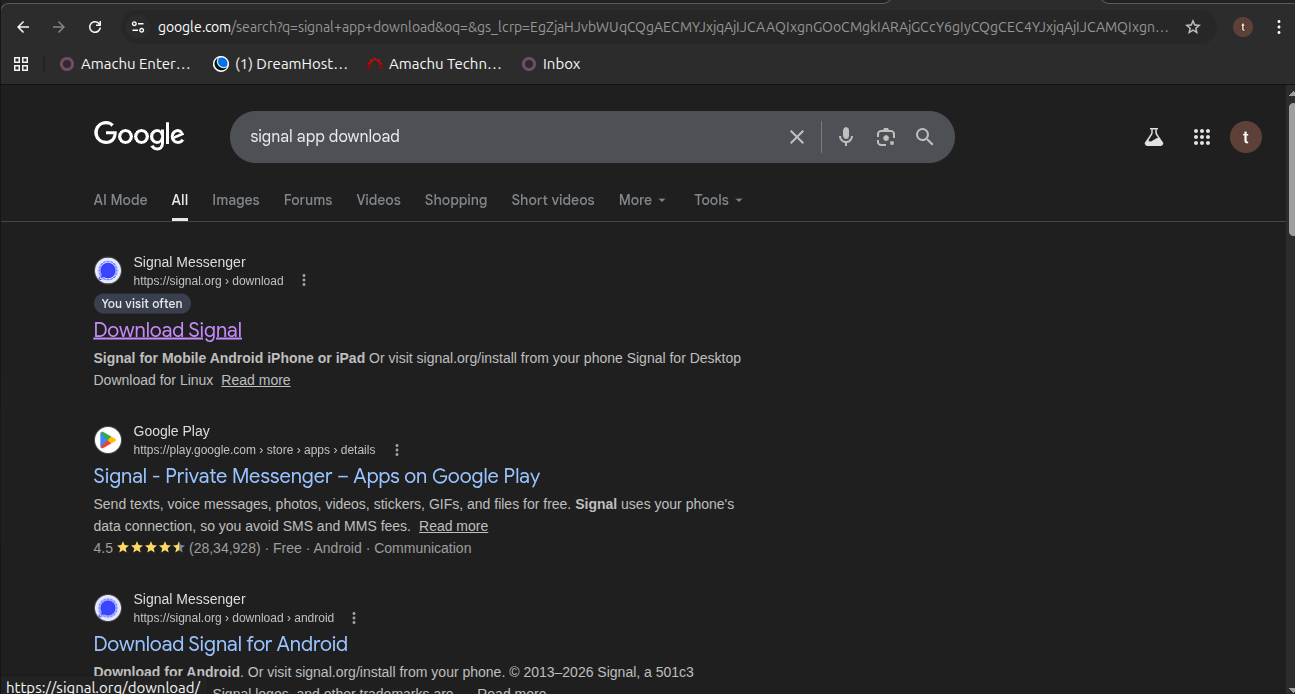
. step 2 :
. Click on signal web page.
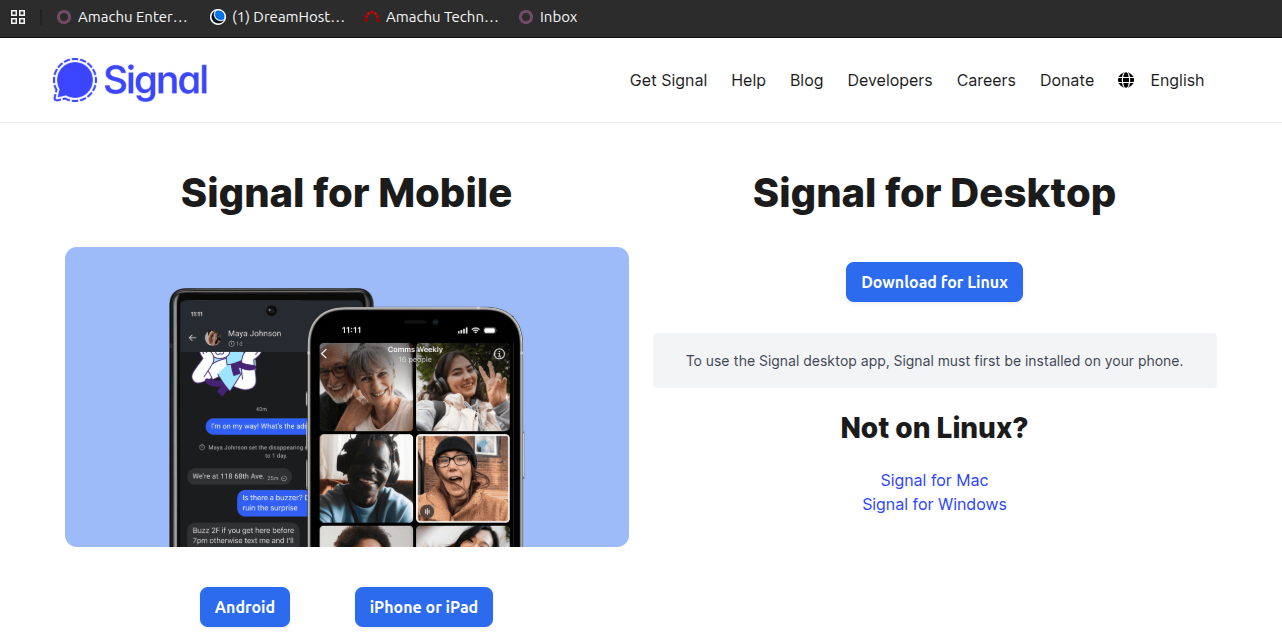
. step 3
. click on downloads and copy the required commands
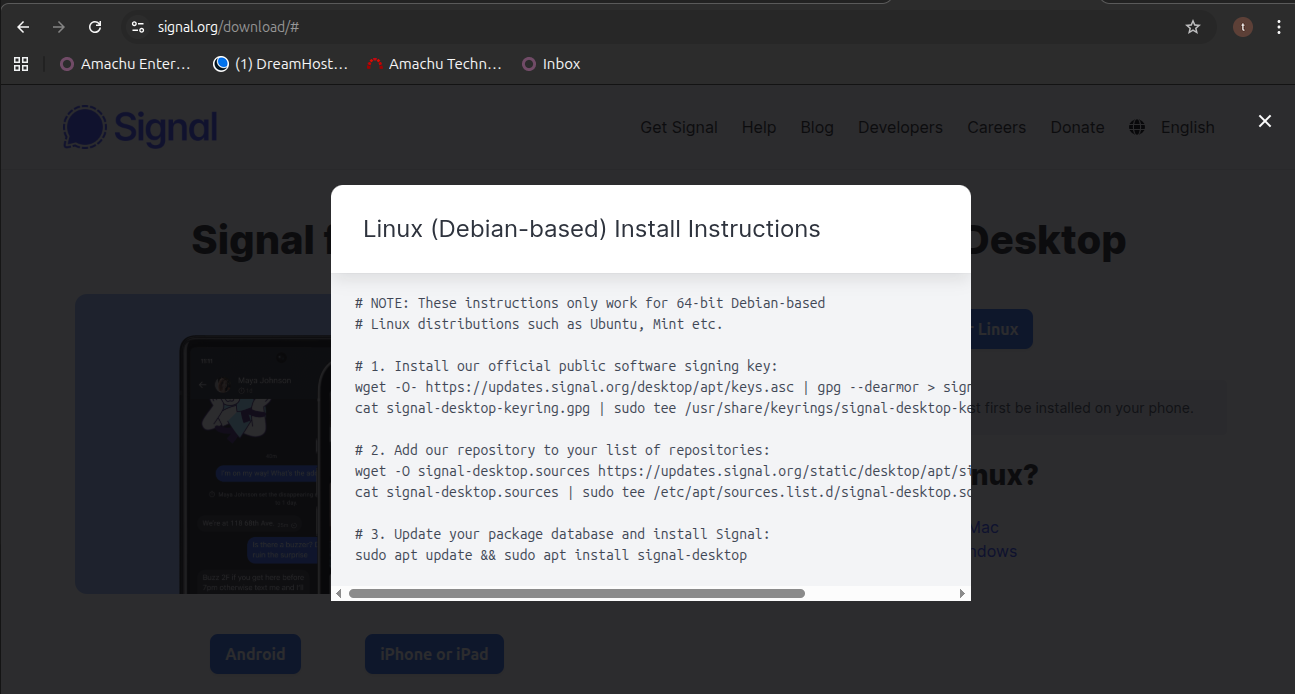
. step 4 :
. open the linux terminal
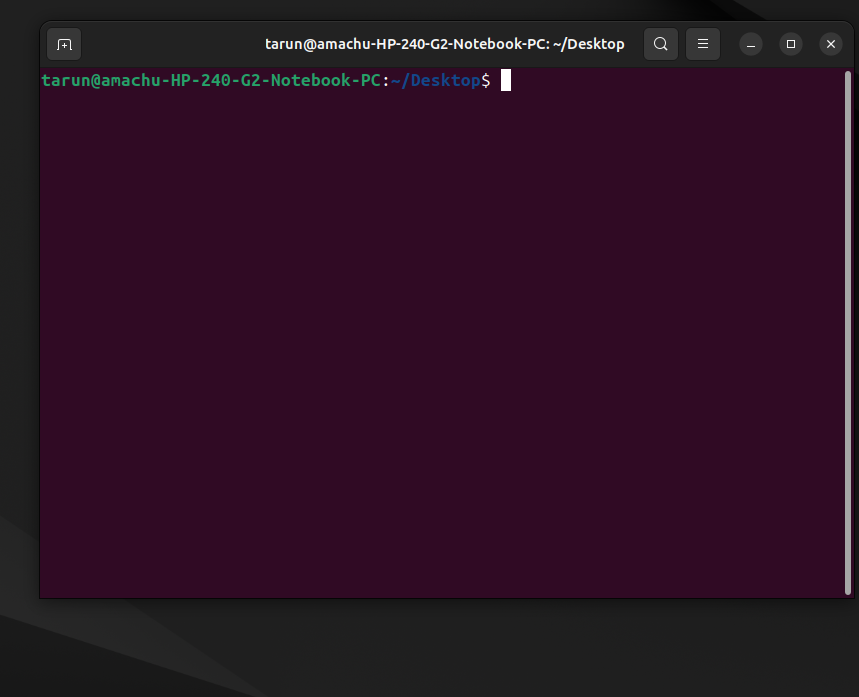
. step 5 :
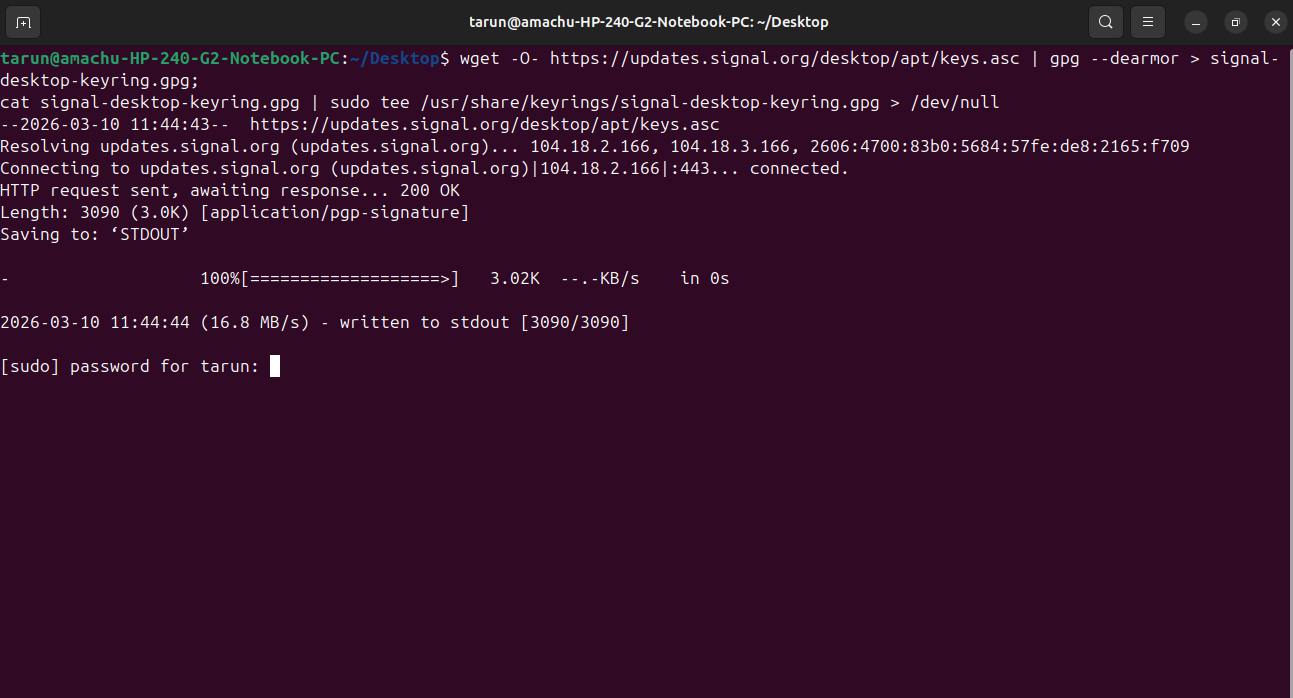
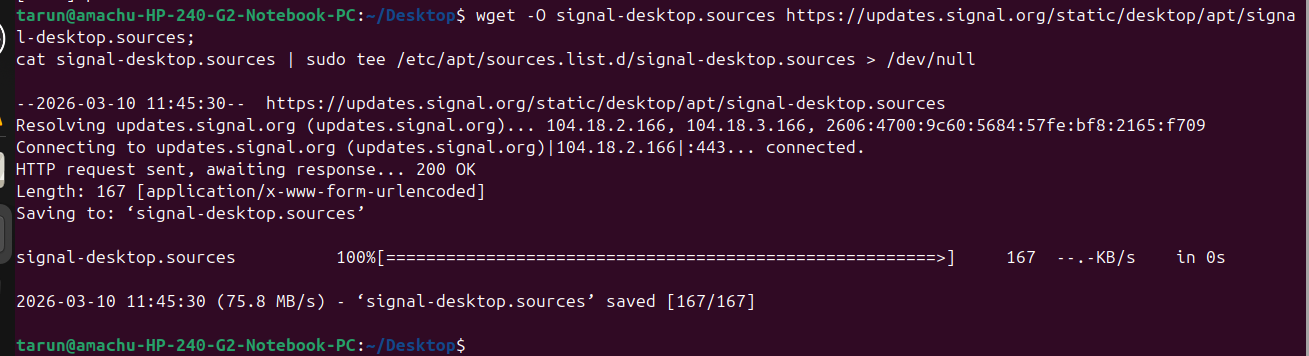
. paste the required commands
wget -O- https://updates.signal.org/desktop/apt/keys.asc | gpg --dearmor > signal-desktop-keyring.gpg;
wget -O signal-desktop.sources https://updates.signal.org/static/desktop/apt/signal-desktop.sources;
cat signal-desktop.sources | sudo tee /etc/apt/sources.list.d/signal-desktop.sources > /dev/null
sudo apt update && sudo apt install signal-desktop
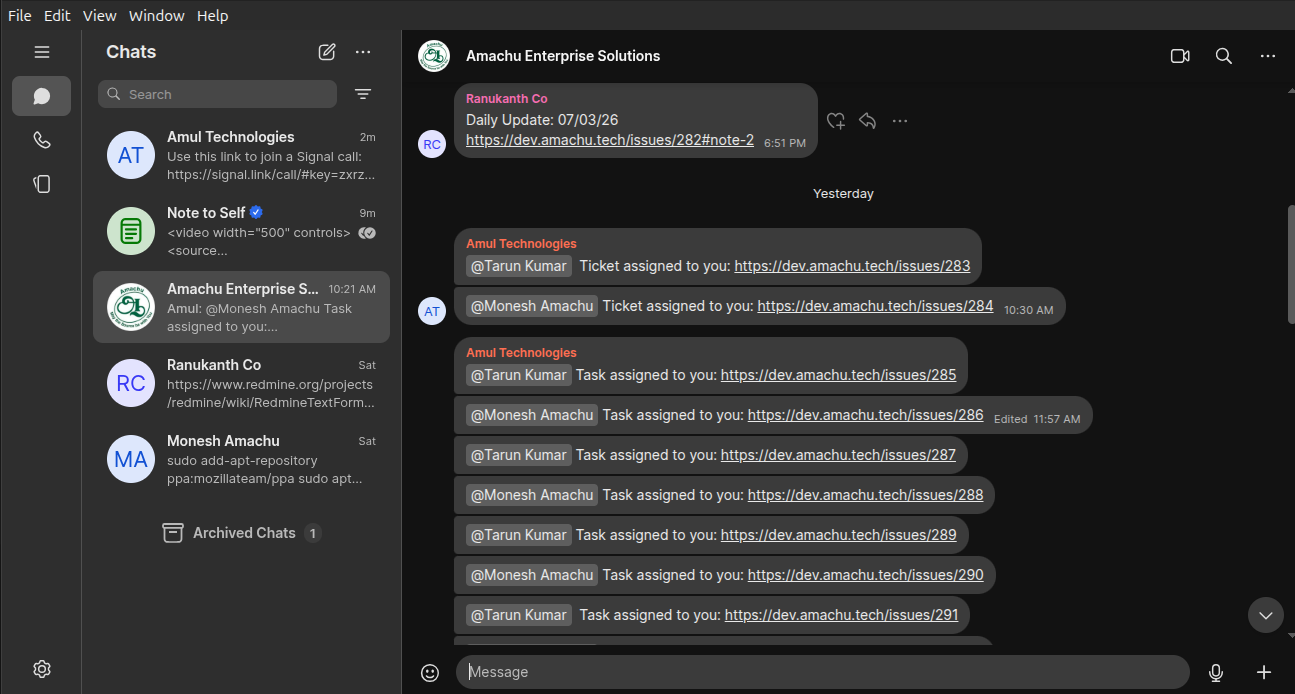
. step 6 :
. open the signal app
Updated by Tarunkumar Sathyanarayan 7 months ago
- Status changed from In Progress to Resolved
The Setup and Configure Signal App has been resolved
Updated by Tarunkumar Sathyanarayan 5 months ago · Edited
NOTE : The signal application has been reinstalled in my new syetem
Actions