Actions
Task #264
openGoogle Chrome Profile setup
Start date:
01/05/2026
Due date:
% Done:
0%
Estimated time:
Description
Google Chrome Profile setup for Amachu, Prashanti and Emmess and switching.
Files
Actions
#1
Updated by Botchina Renukanth 9 months ago
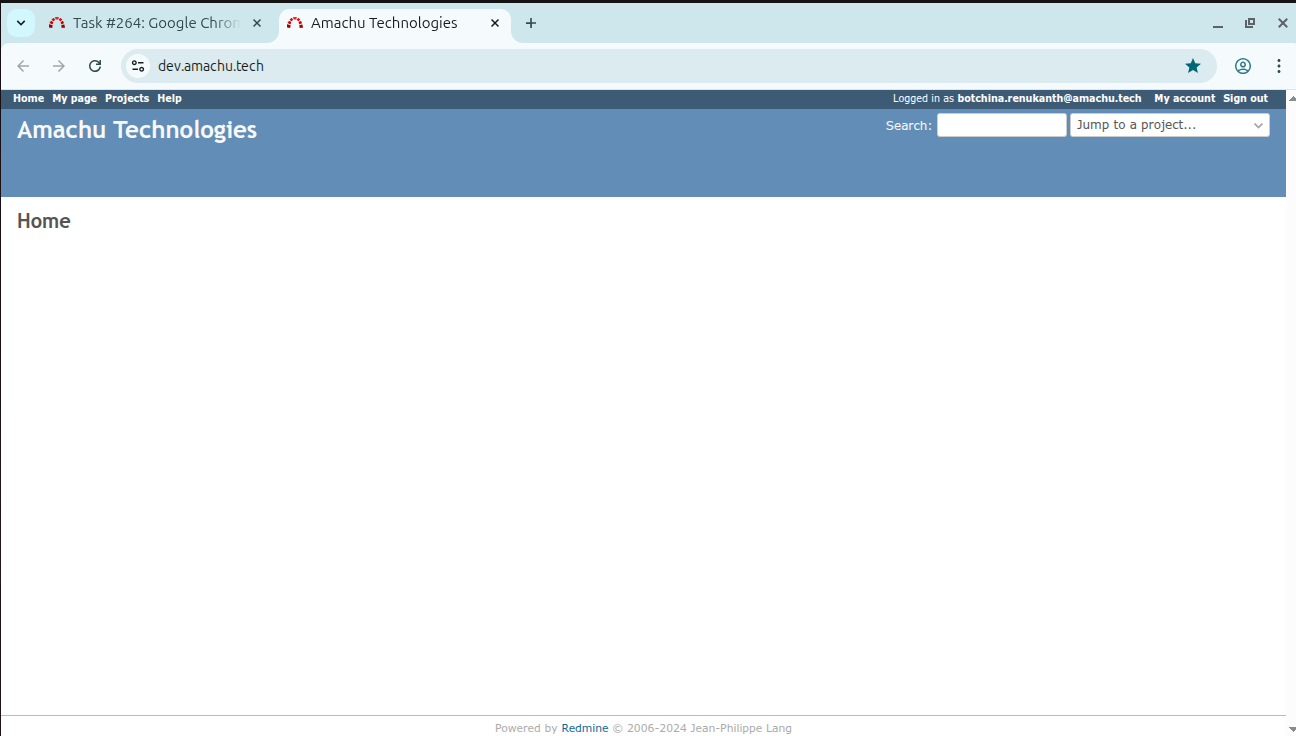
- File dev_amachu_tech.png dev_amachu_tech.png added
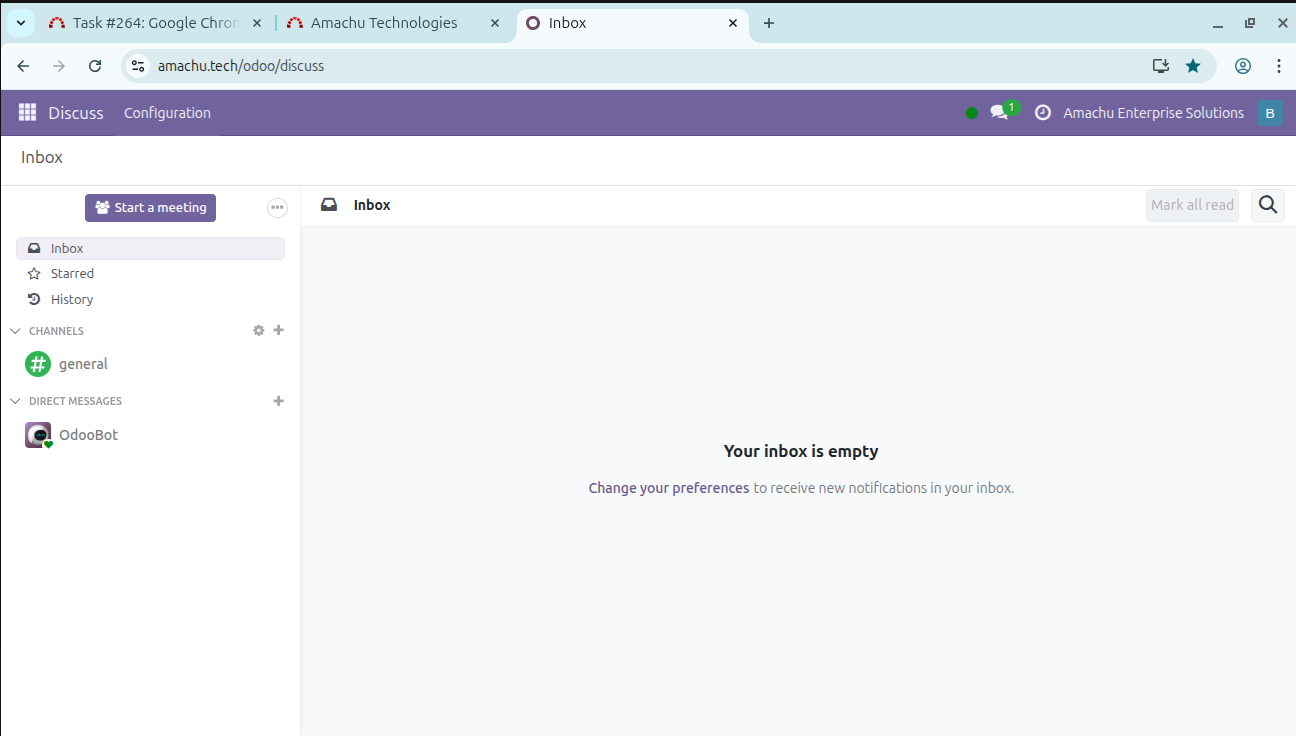
- File amachu_tech.png amachu_tech.png added
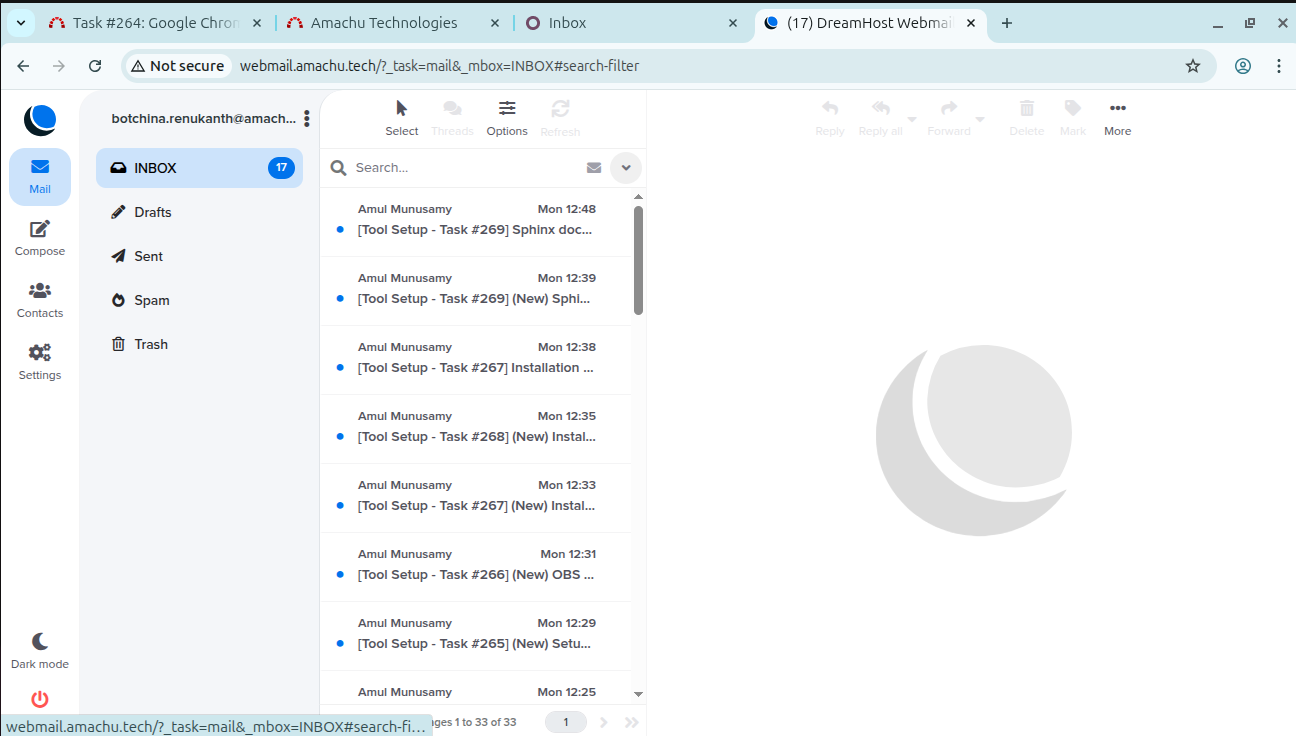
- File webmail_amach_tech.png webmail_amach_tech.png added
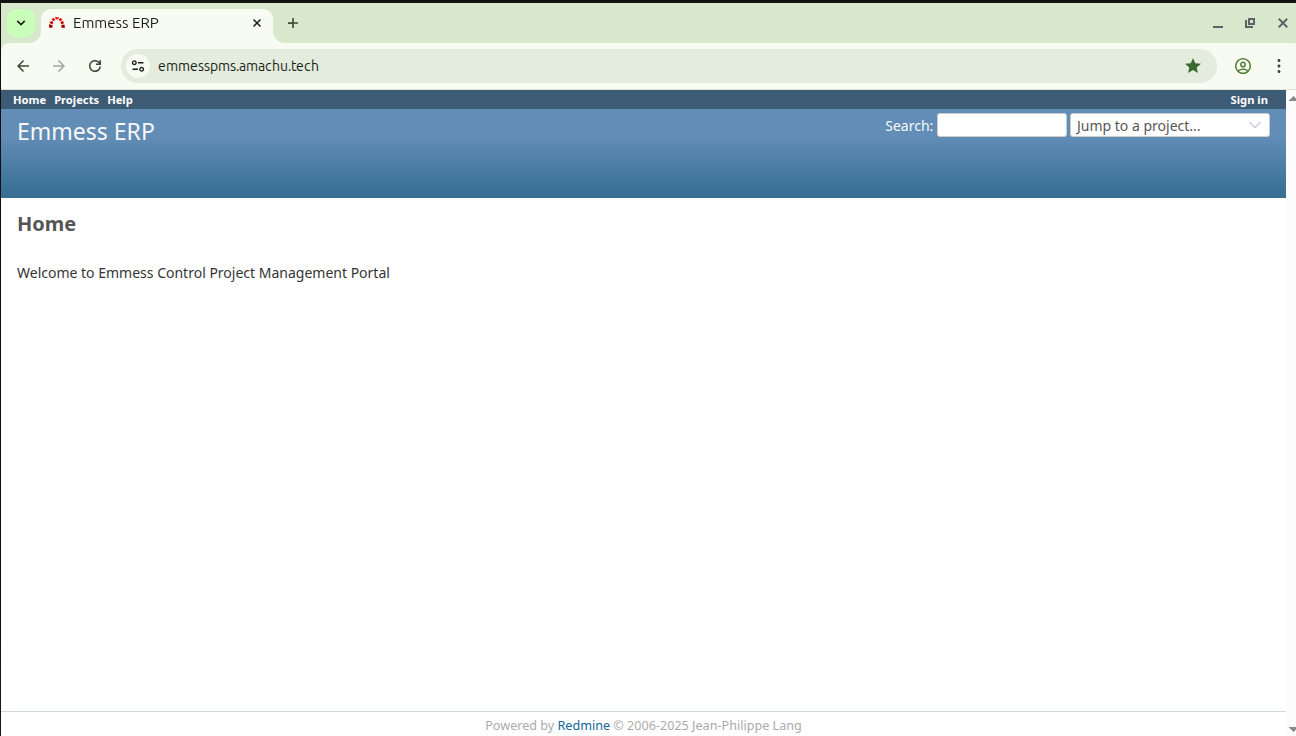
- File Emmess_amachu_tech.png Emmess_amachu_tech.png added
- File testing_emmess_amachu_tech.png testing_emmess_amachu_tech.png added
- File wiki_emmess_amachu_tech.png wiki_emmess_amachu_tech.png added
- File Prashanti_amachu_tech.png Prashanti_amachu_tech.png added
- File Testing_prashanti_amachu_tech.png Testing_prashanti_amachu_tech.png added
- Status changed from New to In Progress
Amachu
- Click on https://dev.amachu.tech/ and right side top corner, click on the bookmark tab.
- Click on https://amachu.tech/odoo/discuss and right side top corner, click on the bookmark tab.
- Click on http://webmail.amachu.tech/ and right side top corner, click on the bookmark tab.
Emmess Control
- Click on https://emmesspms.amachu.tech/ and right side top corner, click on the bookmark tab.
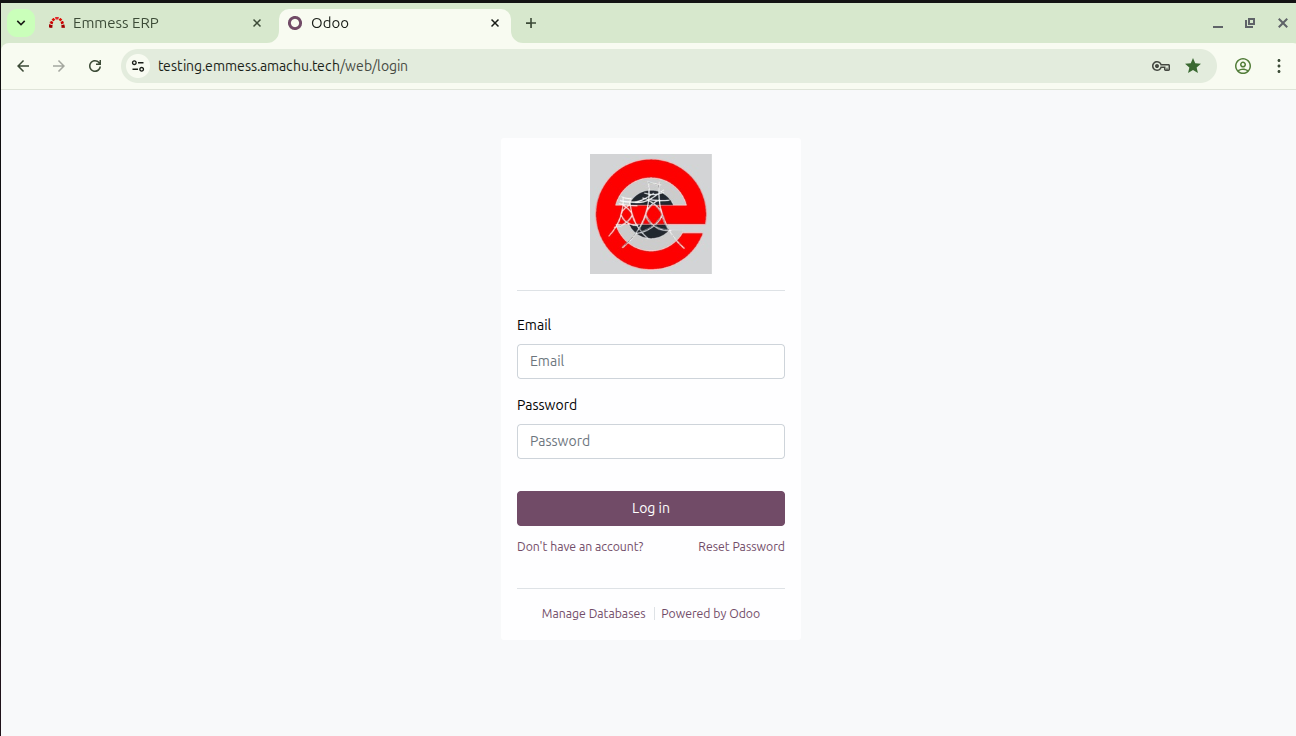
- click on https://testing.emmess.amachu.tech/web/login and right side top corner, click on the bookmark tab.
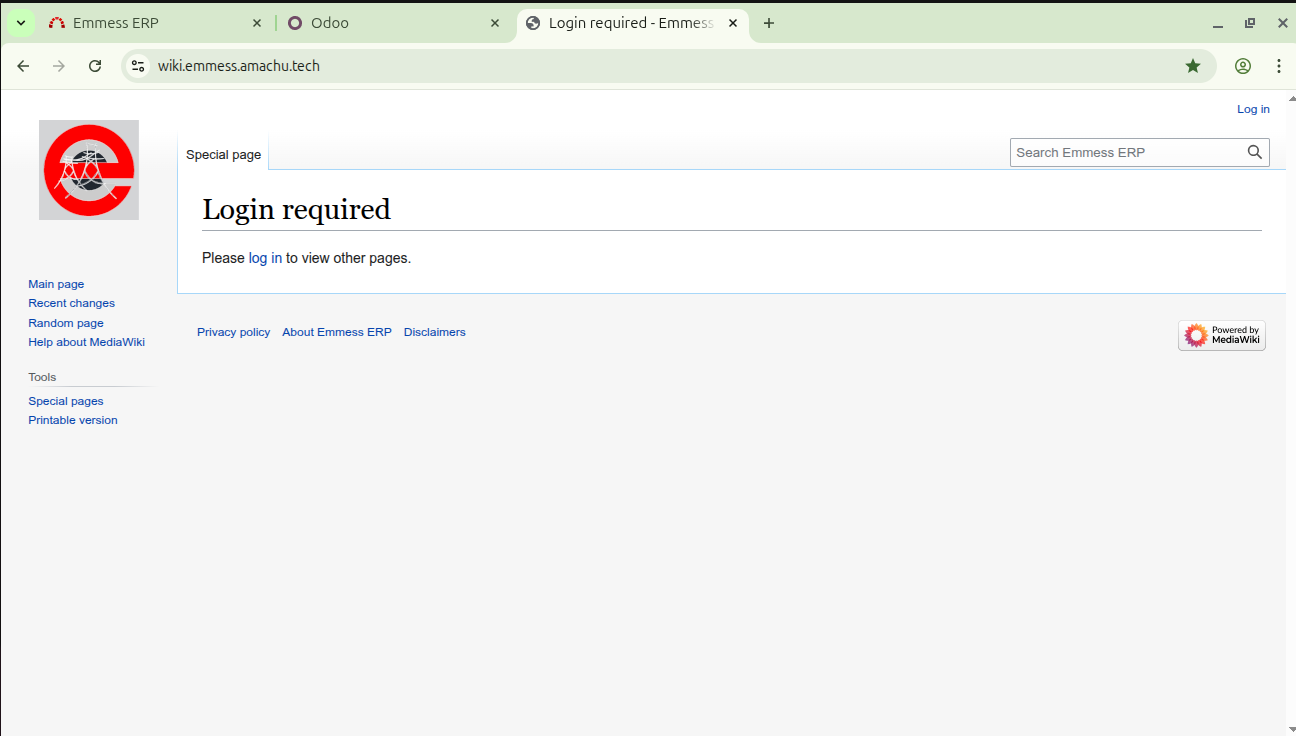
- click on https://wiki.emmess.amachu.tech/ and right side top corner, click on the bookmark tab.
Prashanti ERP
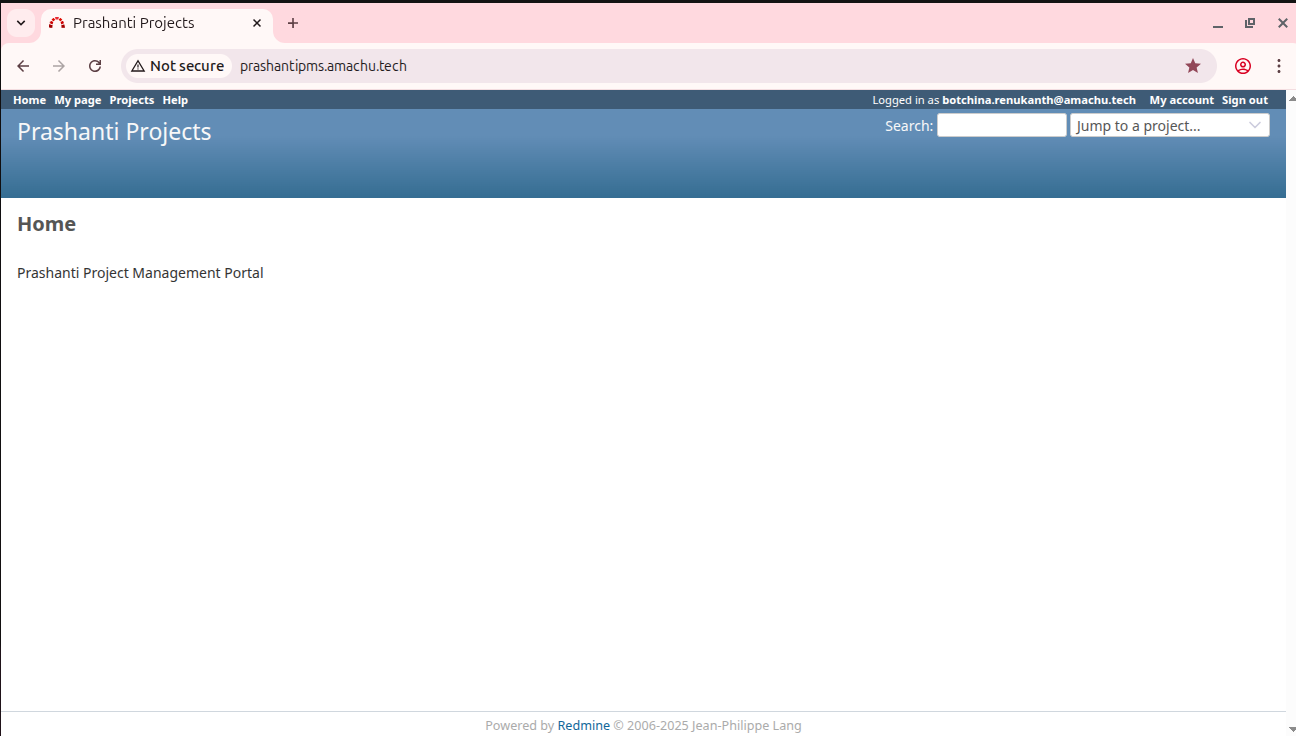
- click on https://prashantipms.amachu.tech/ and right side top corner, click on the bookmark tab.
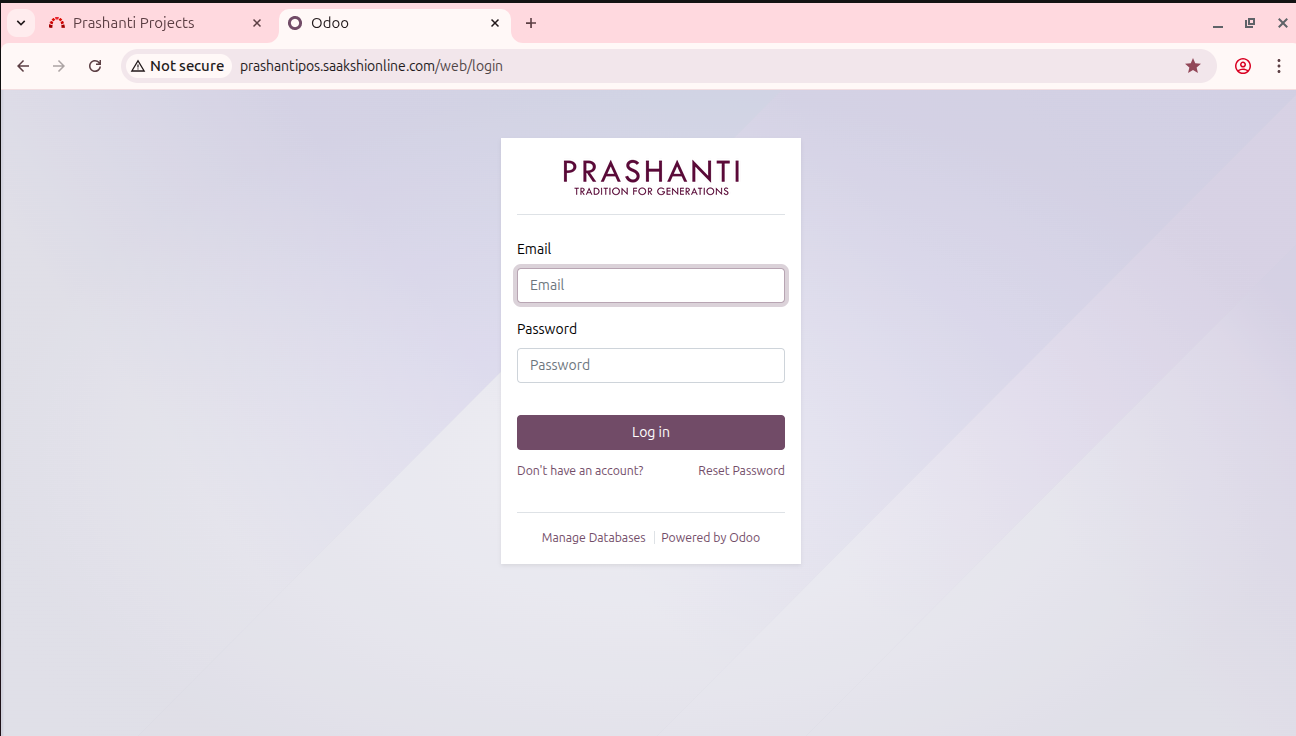
- click on http://prashantipos.saakshionline.com/web/login and right side top corner, click on the bookmark tab.
Updated by Botchina Renukanth 9 months ago
- Status changed from In Progress to Resolved
Actions