Actions
Task #374
openCasttech Project Profile setup
Description
Google Chrome Profile setup for Casttech.
Project: https://pms.casttech.amachu.tech/
Documentation: https://casttech.amachu.tech/docs/
Testing: https://testing.casttech.amachu.tech/
Demo: https://demo.casttech.amachu.tech/
Staging: https://staging.casttech.amachu.tech/
Files
| pms_login.png (54.5 KB) pms_login.png | |||
| erp_documentation.png (78.4 KB) erp_documentation.png | |||
| demo_casttech.png (49.5 KB) demo_casttech.png | |||
| testing_casttech.png (50.2 KB) testing_casttech.png |
Actions
#2
Updated by Devaraj Anandhan 5 months ago
- File pms_login.png pms_login.png added
- File erp_documentation.png erp_documentation.png added
- Status changed from In Progress to On Hold
profile setup for casttech
step 1 :setup a chrome profile for castech
- Login ERP-PMS for casttech using this link : https://pms.casttech.amachu.tech/
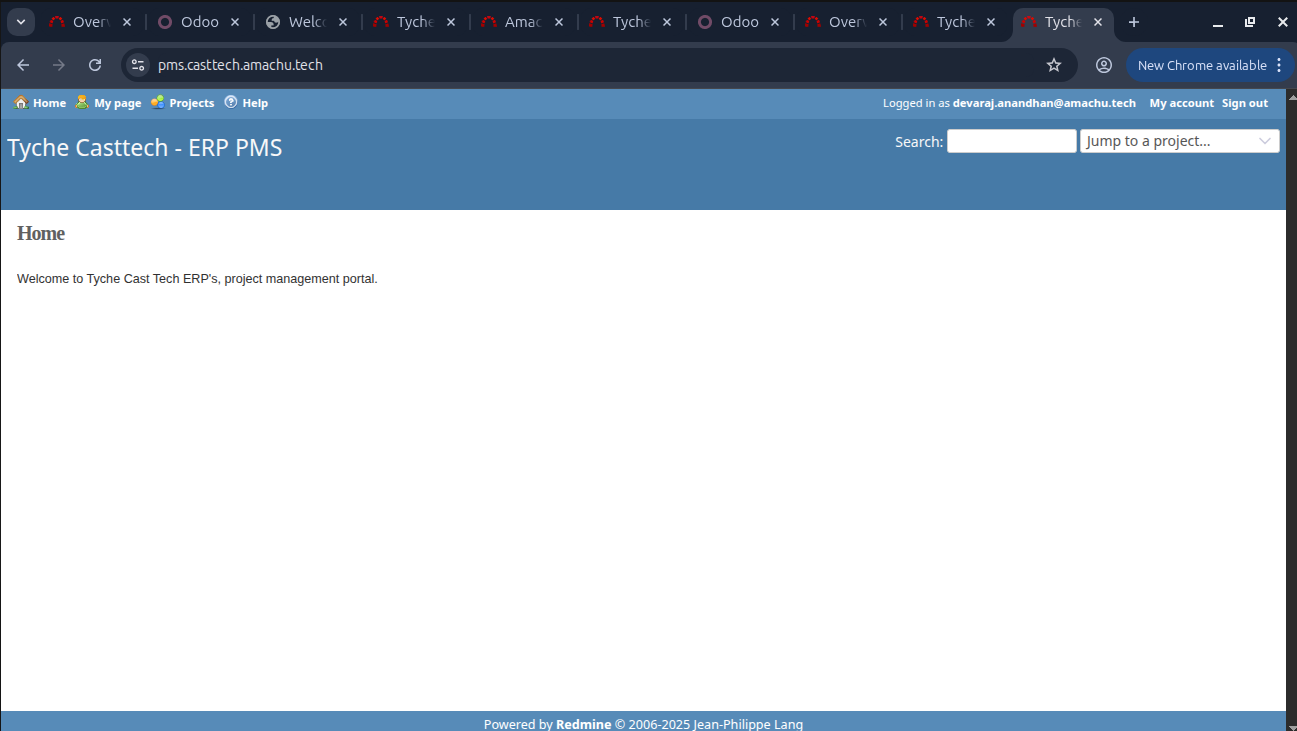
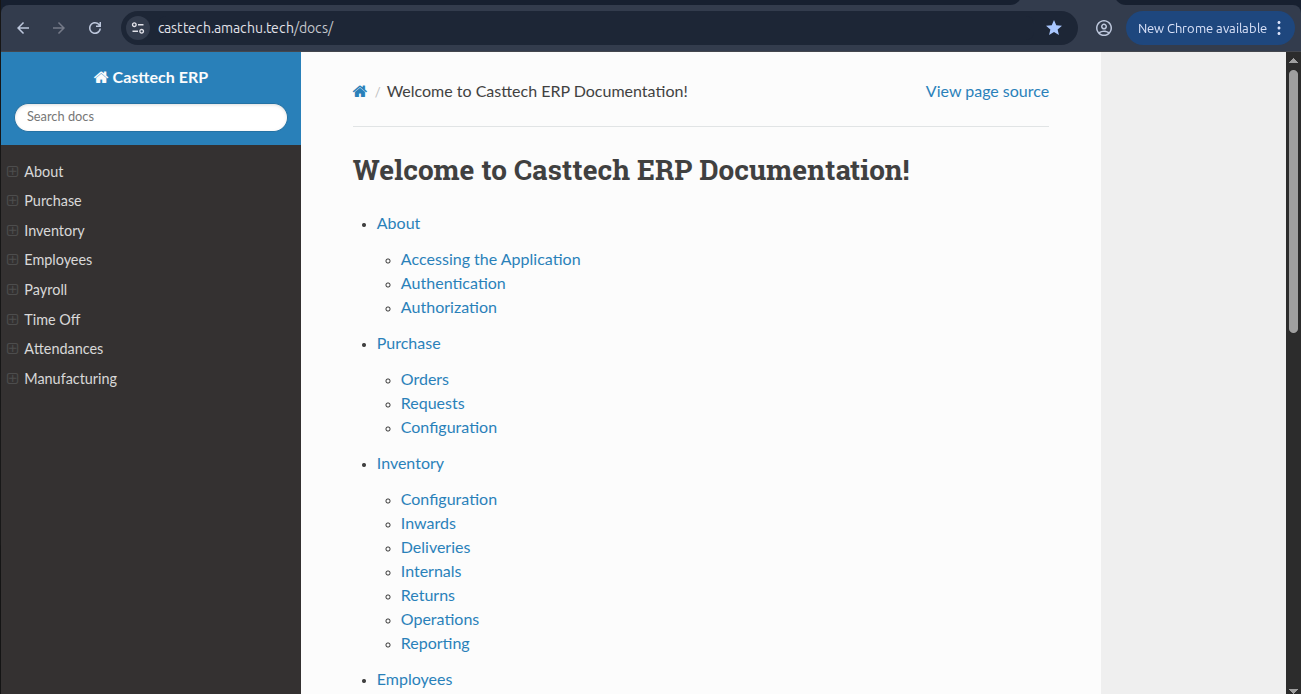
step 2 :setup ERP Documentation for casttech
- After login ERP-PMS then we get ERP Documentation for casttech
Updated by Devaraj Anandhan 5 months ago
- Status changed from On Hold to In Progress
Actions
#4
Updated by Devaraj Anandhan 5 months ago
- File demo_casttech.png demo_casttech.png added
- File testing_casttech.png testing_casttech.png added
- Status changed from In Progress to Resolved
profile setup for casttech
step 1 :setup a chrome profile for castech
- Login ERP-PMS for casttech using this link : https://pms.casttech.amachu.tech/
step 2 :setup ERP Documentation for casttech
- After login ERP-PMS then we get ERP Documentation for casttech using this link : https://casttech.amachu.tech/docs/
step 3 :Login tyche casttech
- Login tyche casttech with the username and password using this link : https://demo.casttech.amachu.tech/
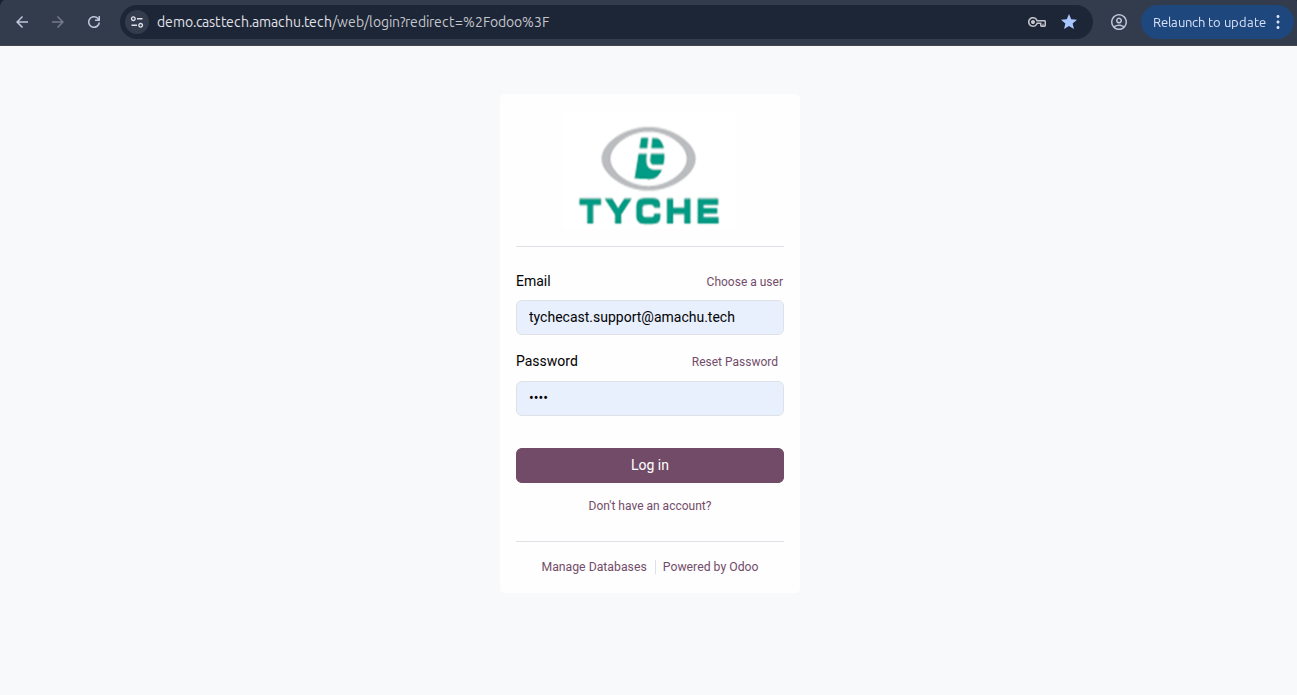
step 4 :Login tyche casttech
- Again login tyche casttech with same username and different password for casttech testing using this link : https://demo.casttech.amachu.tech/
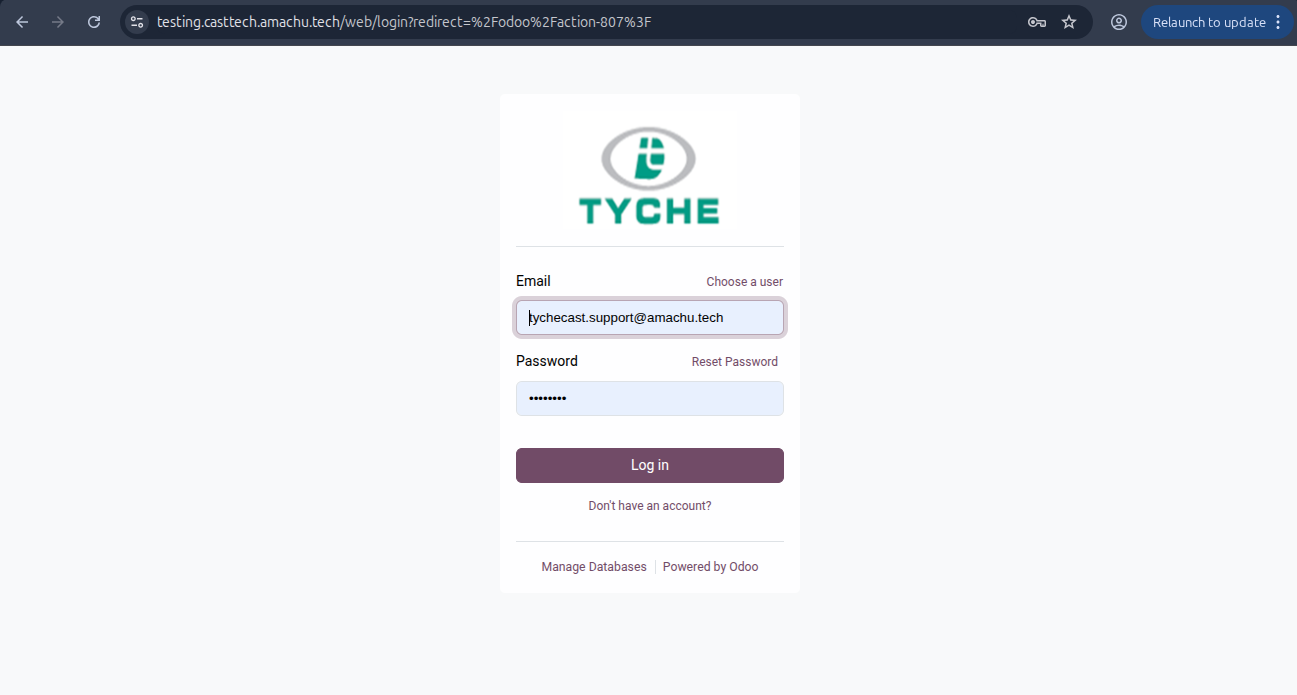
Actions