Actions
Task #368
openInstallation of Visual Studio
Files
| install_vscode.png (182 KB) install_vscode.png | |||
| vs_folder.png (113 KB) vs_folder.png | |||
| new_file.png (70.2 KB) new_file.png |
Actions
#2
Updated by Devaraj Anandhan 5 months ago
- File install_vscode.png install_vscode.png added
- File vs_folder.png vs_folder.png added
- File new_file.png new_file.png added
- Status changed from In Progress to Resolved
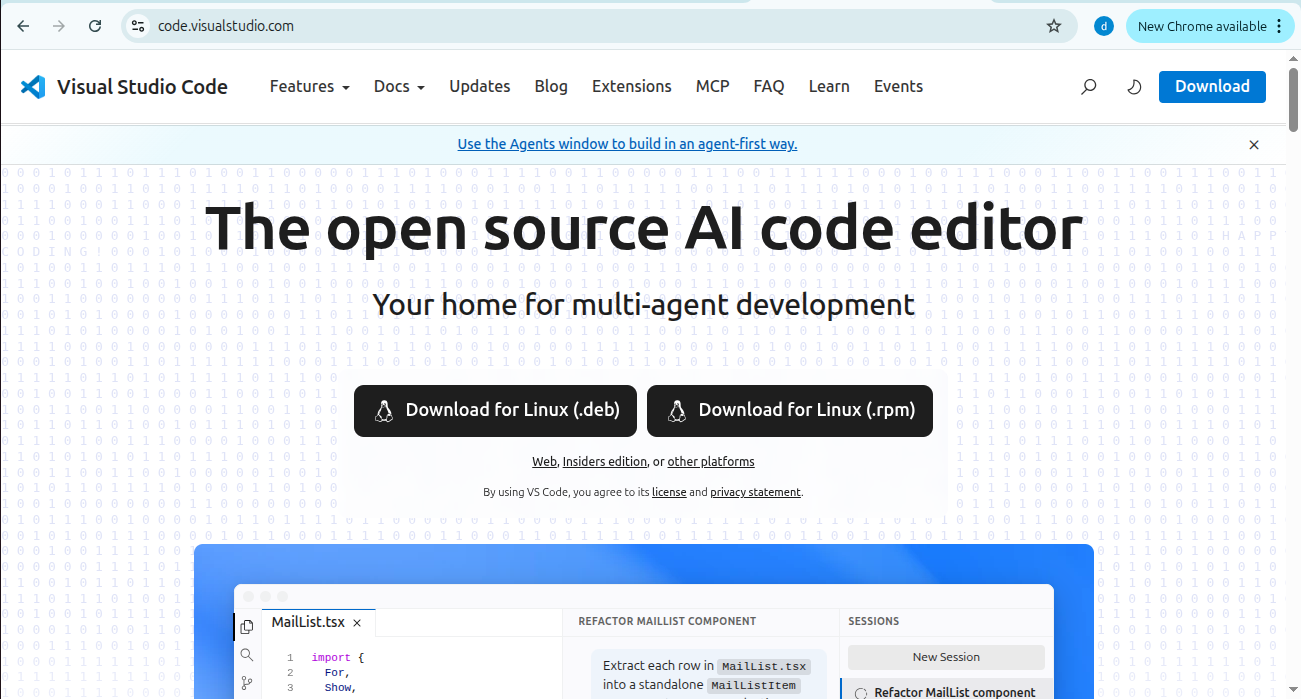
step 1 :Install visual studio
Download visual studio from browser using this link : https://code.visualstudio.com
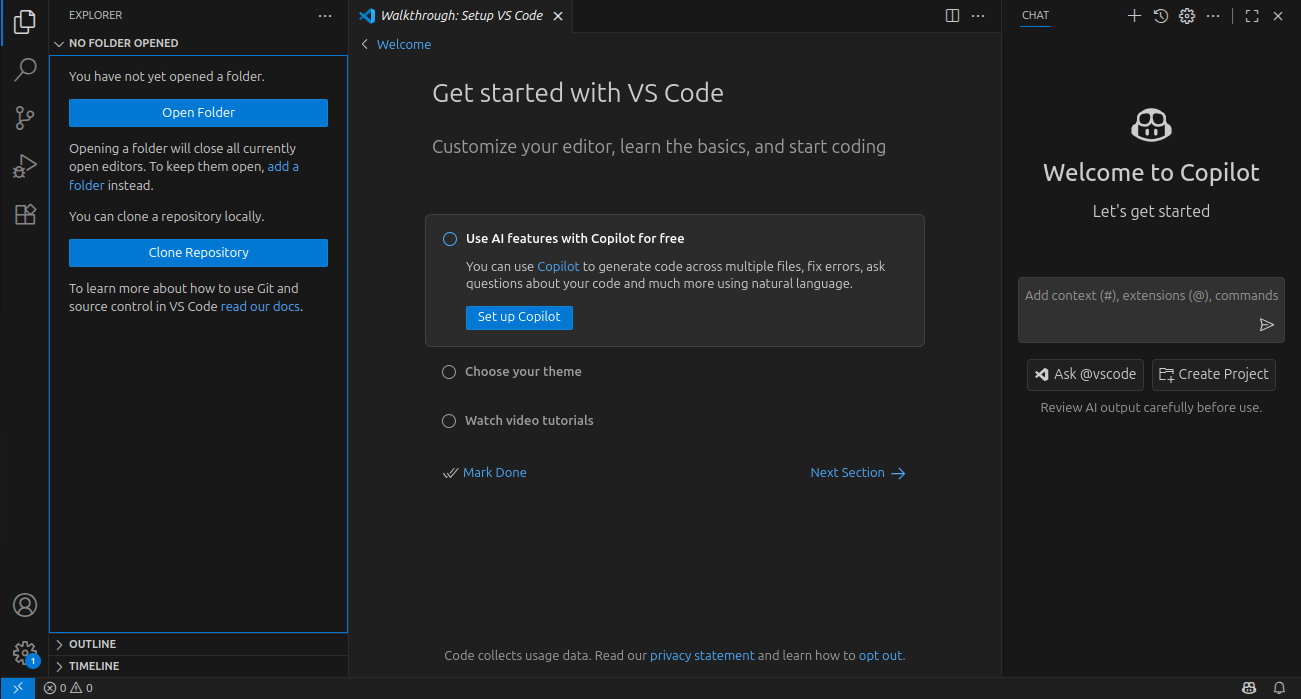
step 2 :open folder
open a new folder for create new files to click open folder option
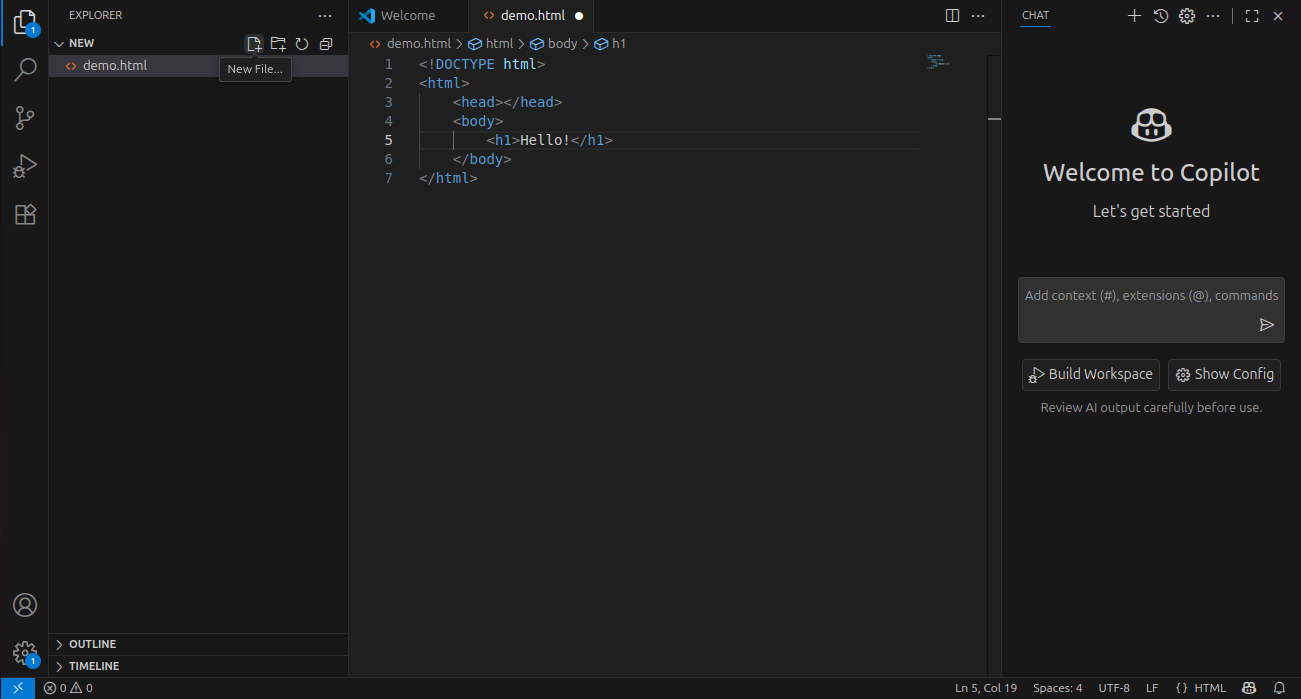
step 3 :create new file
create a new file inside the folder such as .html,css,js,etc.the dot indicates the file is not saved
Actions