Actions
Task #287
openGoogle Chrome Profile setup
Start date:
03/09/2026
Due date:
% Done:
0%
Estimated time:
Description
Google Chrome Profile setup for Amachu, Prashanti and Emmess and switching.
Files
Updated by Amul Munusamy 7 months ago
- Copied to Task #288: Google Chrome Profile setup added
Updated by Amul Munusamy 7 months ago
- Copied to deleted (Task #288: Google Chrome Profile setup)
Actions
#3
Updated by Tarunkumar Sathyanarayan 7 months ago
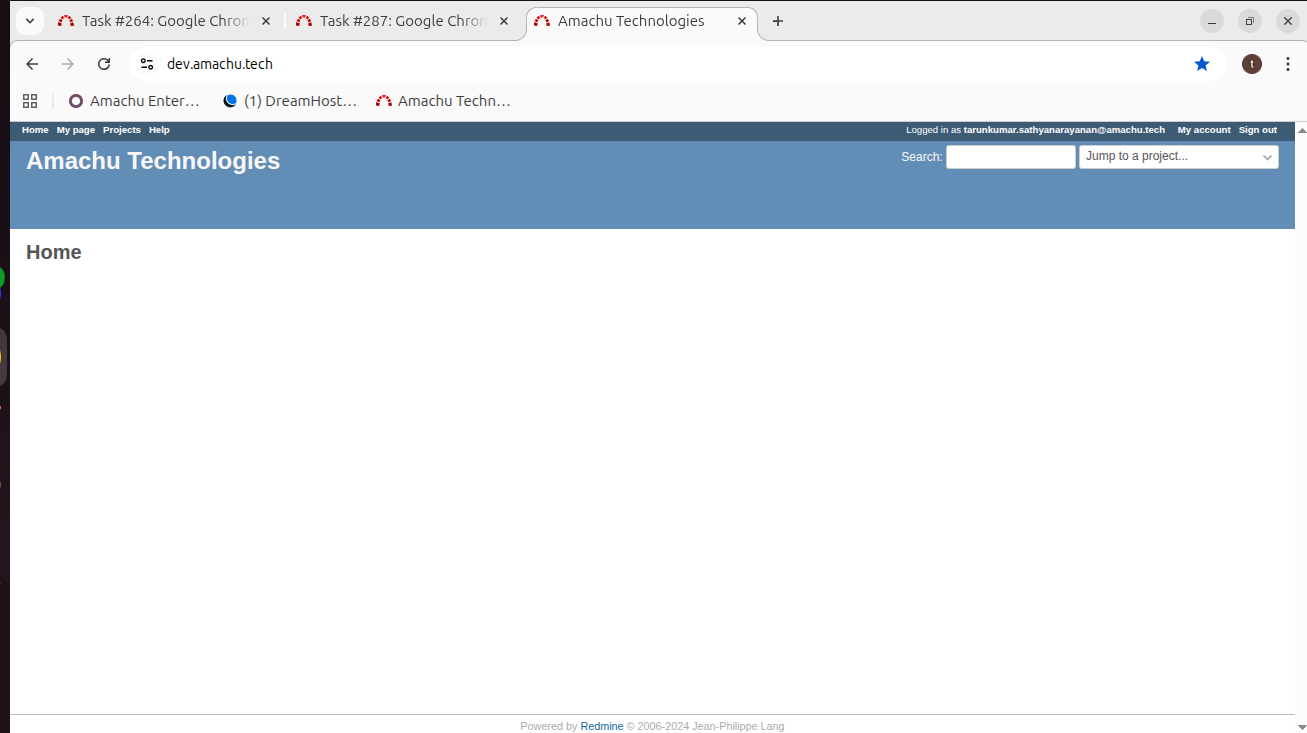
- File dev.amachu_bookmark.png dev.amachu_bookmark.png added
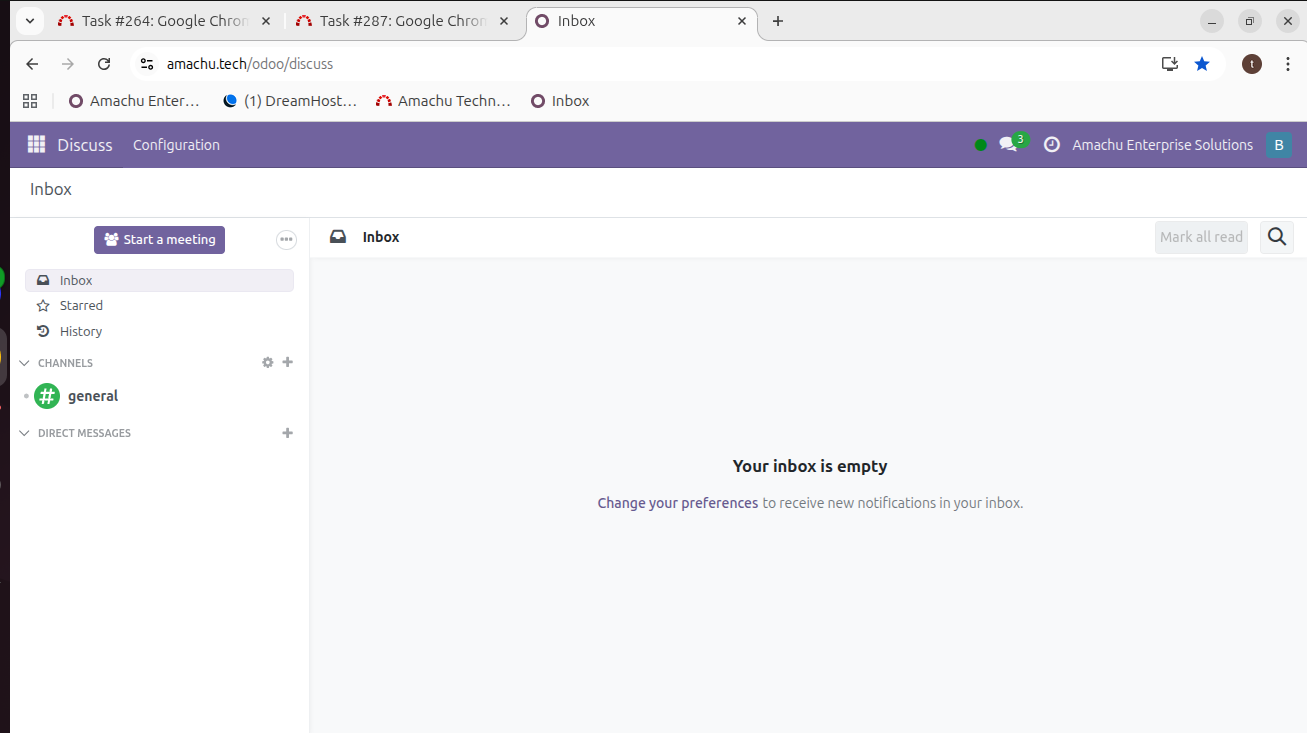
- File amachu.tech_odoo_discuess.png amachu.tech_odoo_discuess.png added
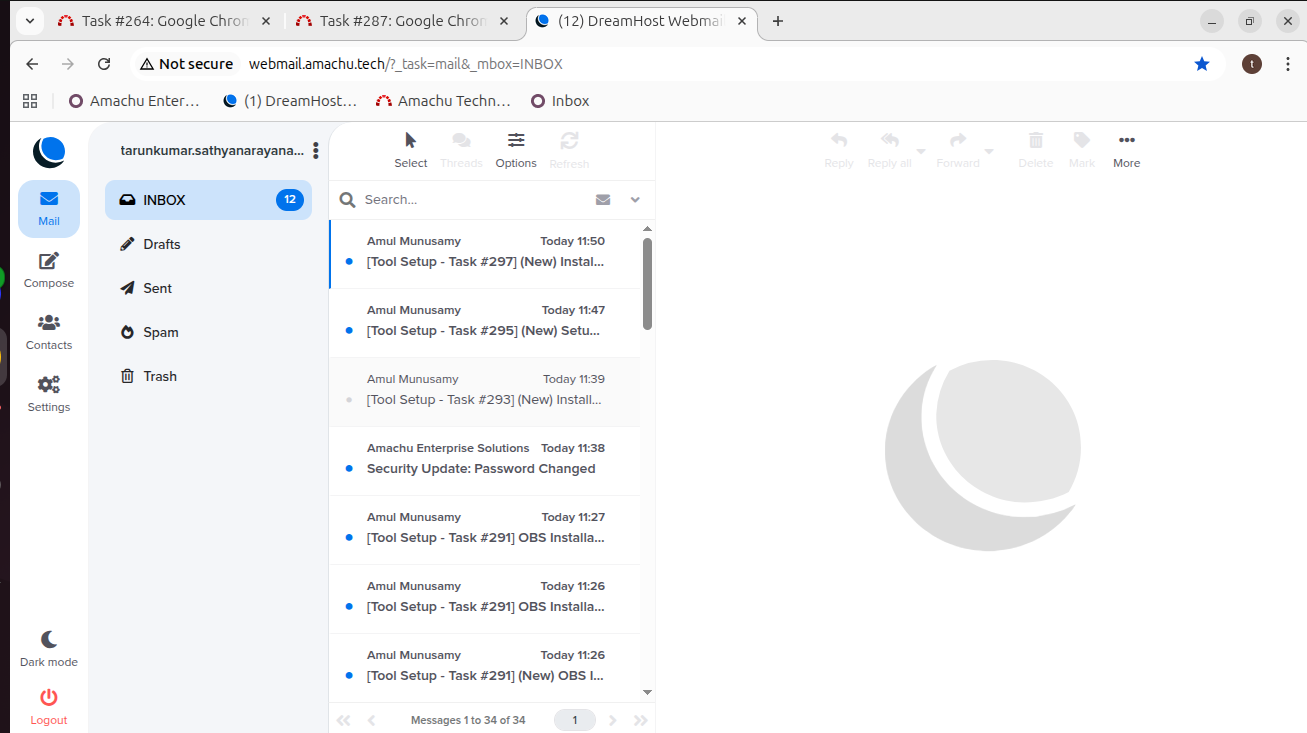
- File webmail_bookmark.png webmail_bookmark.png added
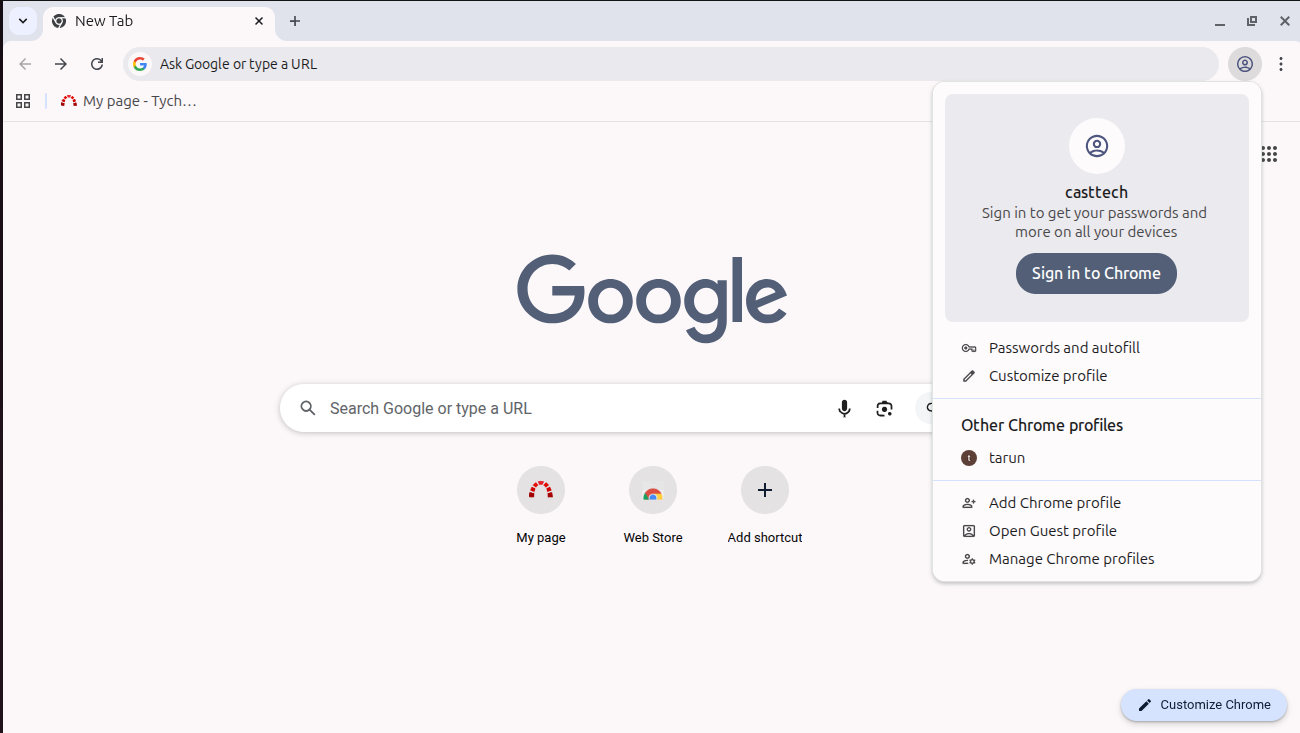
- File casttech_new_account.png casttech_new_account.png added
- File casttech_bookmark.png casttech_bookmark.png added
- Status changed from New to In Progress
Google Chrome Profile setup process
step 1 . Click on https://dev.amachu.tech/ and right side top corner, click on the bookmark tab.
step 2 . Click on https://amachu.tech/odoo/discuss and right side top corner, click on the bookmark tab.
step 3 . Click on http://webmail.amachu.tech/ and right side top corner, click on the bookmark tab.
step 4 . create new casttech profile
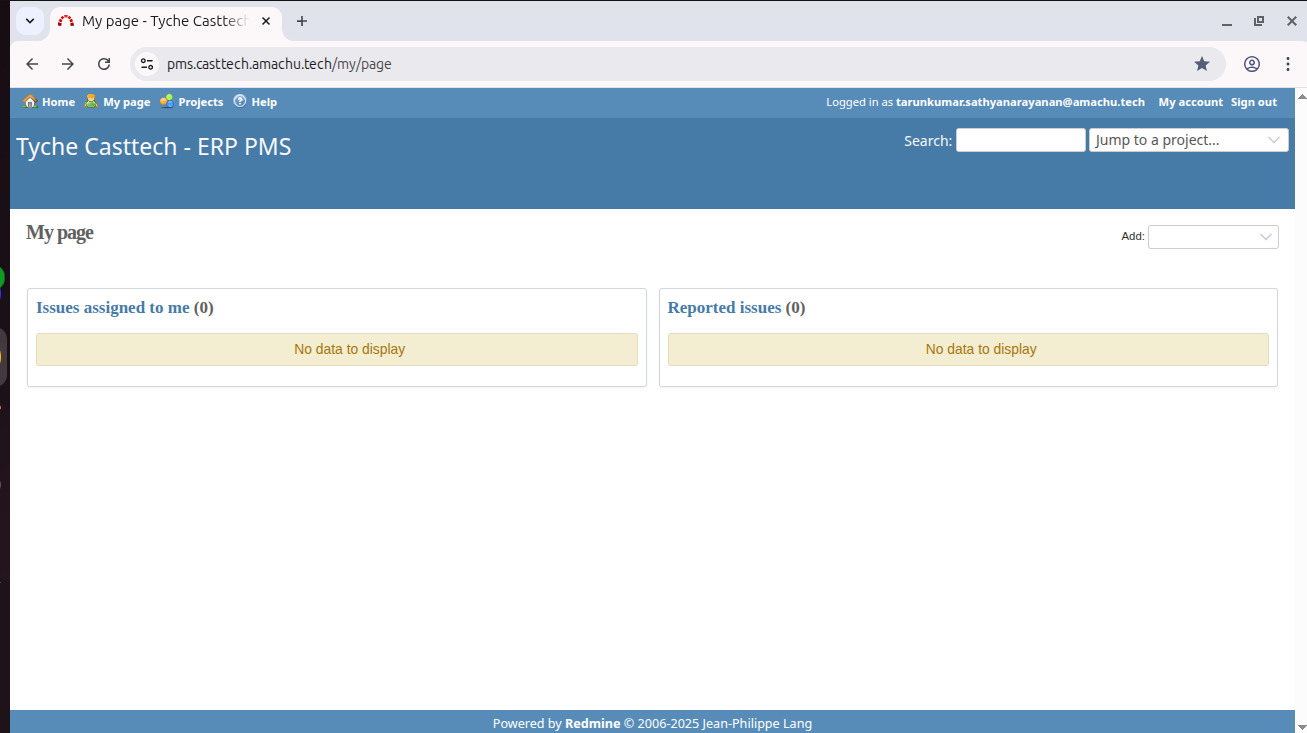
step 5 . book mark https://pms.casttech.amachu.tech/my/page
Updated by Tarunkumar Sathyanarayan 7 months ago
- Status changed from In Progress to Resolved
Google Chrome Profile setup has been completed
Updated by Tarunkumar Sathyanarayan 5 months ago
NOTE : Reinstalled all the Google Chrome Profile setup process to my new system
Actions