Actions
Task #260
openConfiguring Thunderbird Locally
Start date:
01/05/2026
Due date:
% Done:
0%
Estimated time:
Description
Refer to #6
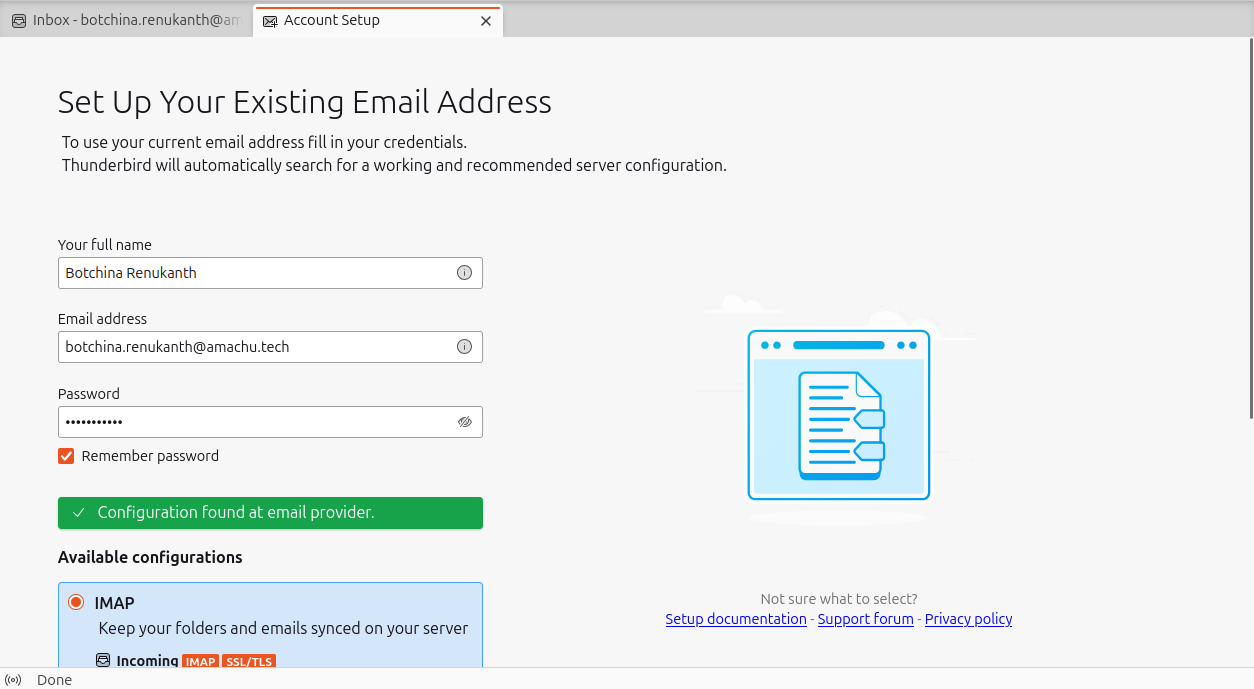
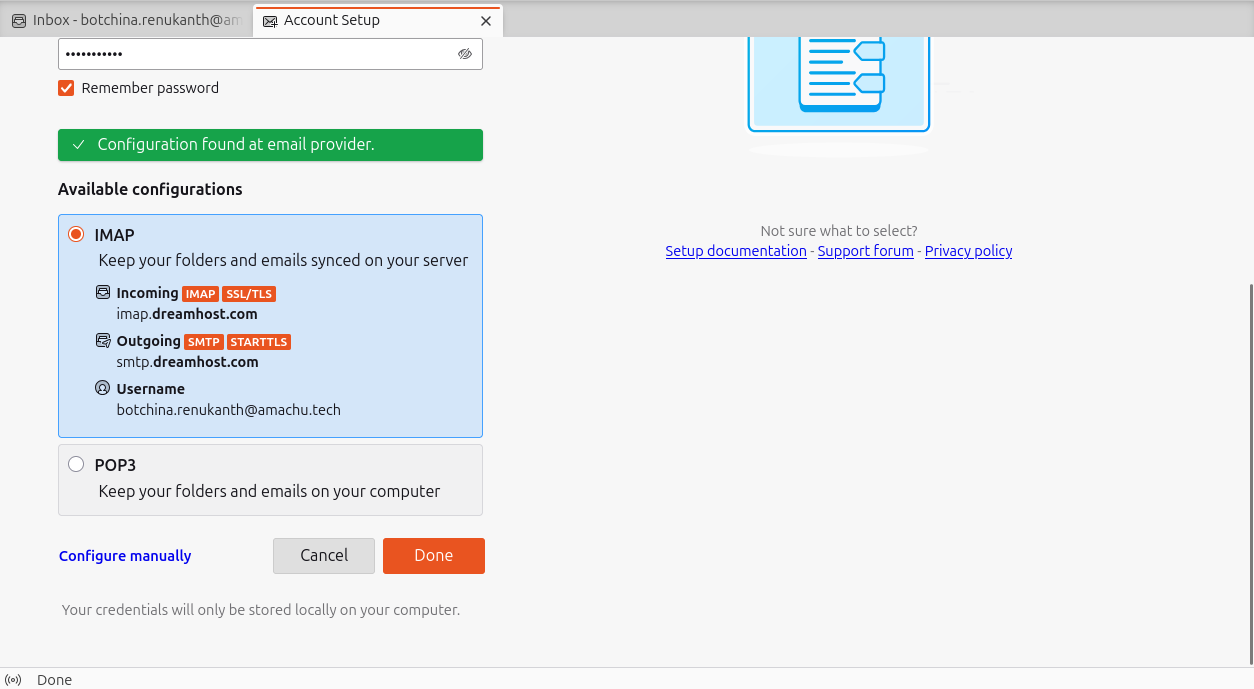
Enter your username, email address, and password, then click 'Continue'. Select the 'IMAP' configuration option when prompted.
Files
Actions
#1
Updated by Botchina Renukanth 9 months ago
- File clipboard-202601051448-ozki4.png clipboard-202601051448-ozki4.png added
- File select_IMAP_Option.png select_IMAP_Option.png added
- File thunderbird_mail_open.png thunderbird_mail_open.png added
- Status changed from New to In Progress
Step1. Open Tunderbird Mail and Enter username, Email address, and password, then click 'Continue'.
Step2. Select the 'IMAP' configuration option when prompted.
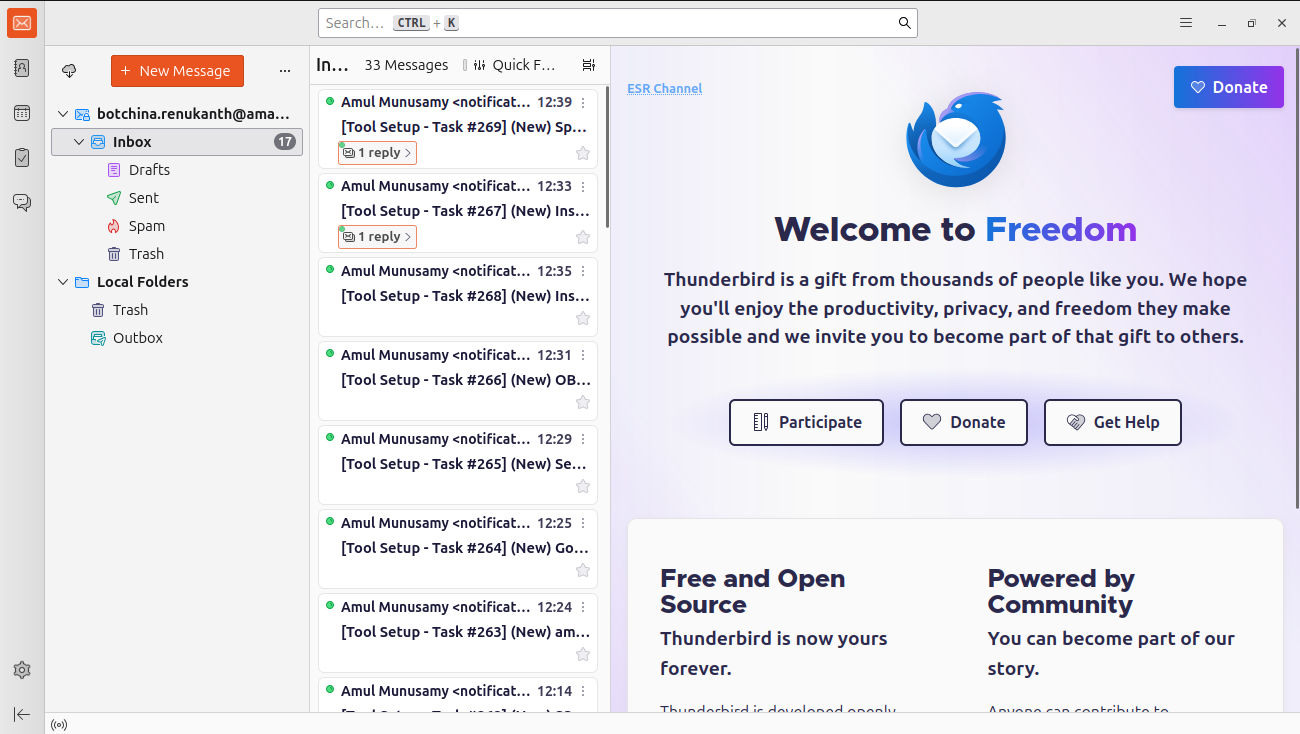
Step3. Thunderbird mail was configured.
Updated by Botchina Renukanth 9 months ago
- Status changed from In Progress to Resolved
Actions